
{{deviceBrand}}
{{deviceModel}}

{{submittedDetailsLabel}}
- {{interestedInLabel}}
- {{data.find(item => item.fieldName === 'IM_INTERESTED_IN' ).fieldValue}}
- {{salutationLabel}}
- {{data.find(item => item.fieldName === 'SALUTATION' ).fieldValue}}
- {{fullNameLabel}}
- {{data.find(item => item.fieldName === 'NAME' ).fieldValue}}
- {{idTypeLabel}}
- {{data.find(item => item.fieldName === 'ID_TYPE' ).fieldValue}}
- {{idNumberLabel}}
- {{data.find(item => item.fieldName === 'ID_NO' ).fieldValue}}
- {{mobileNumberLabel}}
- {{data.find(item => item.fieldName === 'PHONE_NO' ).fieldValue}}
- {{emailAddressLabel}}
- {{data.find(item => item.fieldName === 'EMAIL' ).fieldValue}}
- {{adresssLineLabel}}
- {{data.find(item => item.fieldName === 'ADDRESS_LINE' ).fieldValue}}
- {{postcodeLabel}}
- {{data.find(item => item.fieldName === 'POSTCODE' ).fieldValue}}
- {{stateLabel}}
- {{data.find(item => item.fieldName === 'STATE' ).fieldValue}}
- {{cityLabel}}
- {{data.find(item => item.fieldName === 'CITY' ).fieldValue}}
{{yourSelectedPlanLabel}}
- {{broadbandPlanLabel}}
- {{data.find(item => item.fieldName === 'BROADBAND_PLAN' )?.fieldValue}}
- {{selectedPostpaidOptionPlanLabel}}
- {{selectedPostpaidOptionPlan}}
- {{monthlyFeeLabel}}
- {{data.find(item => item.fieldName === 'MONTHLY_FEE' )?.fieldValue}}
{{personalDetailsFormLabel}}
- {{salutationLabel}}
- {{data.find(item => item.fieldName === 'SALUTATION' )?.fieldValue}}
- {{fullNameLabel}}
- {{data.find(item => item.fieldName === 'NAME' )?.fieldValue}}
- {{idTypeLabel}}
- {{data.find(item => item.fieldName === 'ID_TYPE' )?.fieldValue}}
- {{idNumberLabel}}
- {{data.find(item => item.fieldName === 'ID_NO' )?.fieldValue}}
- {{mobileNumberLabel}}
- {{data.find(item => item.fieldName === 'PHONE_NO' )?.fieldValue}}
- {{emailAddressLabel}}
- {{data.find(item => item.fieldName === 'EMAIL' )?.fieldValue}}
{{installationAddressFormLabel}}
- {{installationBuildingNameLabel}}
- {{data.find(item => item.fieldName === 'INSTALLATION_BUILDING_NAME' )?.fieldValue}}
- {{installationUnitBlockLabel}}
- {{data.find(item => item.fieldName === 'INSTALLATION_BLOCK_NUMBER' )?.fieldValue}}
- {{installationUnitNumberLabel}}
- {{data.find(item => item.fieldName === 'INSTALLATION_UNIT_NUMBER' )?.fieldValue}}
- {{installationAddressLineLabel}}
- {{data.find(item => item.fieldName === 'INSTALLATION_ADDRESS_LINE' )?.fieldValue}}
- {{installationPostcodeLabel}}
- {{data.find(item => item.fieldName === 'INSTALLATION_POSTCODE' )?.fieldValue}}
- {{installationStateLabel}}
- {{data.find(item => item.fieldName === 'INSTALLATION_STATE' )?.fieldValue}}
- {{installationCityLabel}}
- {{data.find(item => item.fieldName === 'INSTALLATION_CITY' )?.fieldValue}}
- {{installationServiceProviderLabel}}
- {{data.find(item => item.fieldName === 'SERVICE_PROVIDER' )?.fieldValue}}
{{registrationAddressFormLabel}}
- {{registrationBuildingNameLabel}}
- {{data.find(item => item.fieldName === 'REGISTRATION_BUILDING_NAME' )?.fieldValue}}
- {{registrationUnitBlockLabel}}
- {{data.find(item => item.fieldName === 'REGISTRATION_BLOCK_NUMBER' )?.fieldValue}}
- {{registrationUnitNumberLabel}}
- {{data.find(item => item.fieldName === 'REGISTRATION_UNIT_NUMBER' )?.fieldValue}}
- {{registrationAddressLineLabel}}
- {{data.find(item => item.fieldName === 'REGISTRATION_ADDRESS_LINE' )?.fieldValue}}
- {{registrationPostcodeLabel}}
- {{data.find(item => item.fieldName === 'REGISTRATION_POSTCODE' )?.fieldValue}}
- {{registrationStateLabel}}
- {{data.find(item => item.fieldName === 'REGISTRATION_STATE' )?.fieldValue}}
- {{registrationCityLabel}}
- {{data.find(item => item.fieldName === 'REGISTRATION_CITY' )?.fieldValue}}
- {{registrationServiceProviderLabel}}
- {{data.find(item => item.fieldName === 'SERVICE_PROVIDER' )?.fieldValue}}
Unlimited Freedom on Your Wrist with Watch Plan

Experience Malaysia's No.1 Wearable Network

One Number, Seamless connectivity

Perfect for Active Lifestyles
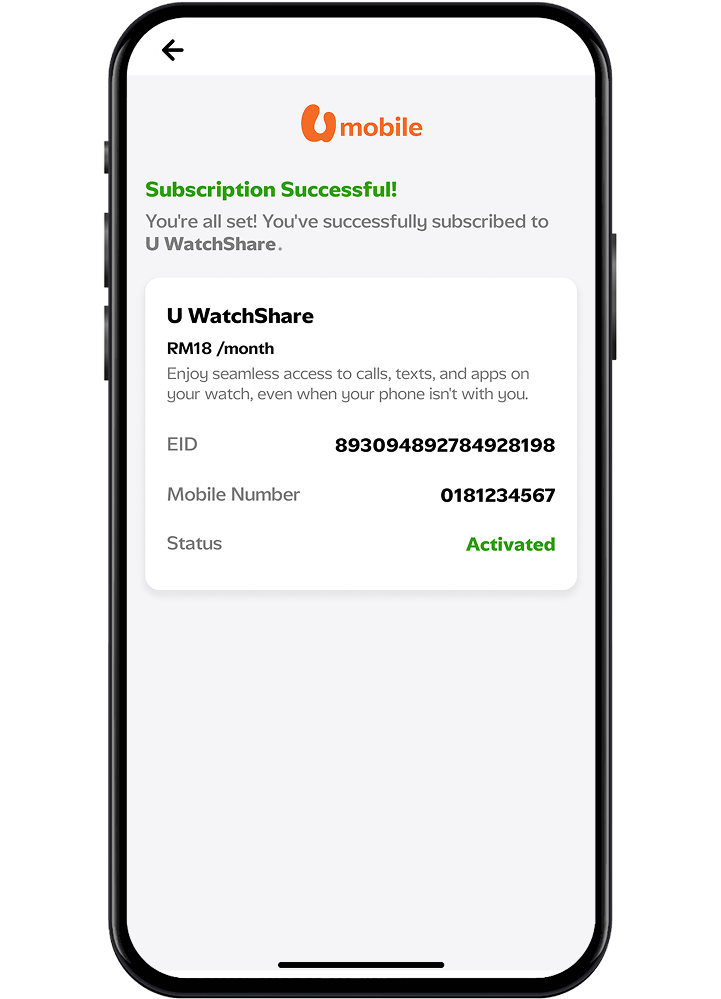
How to activate U WatchShare
Step 1
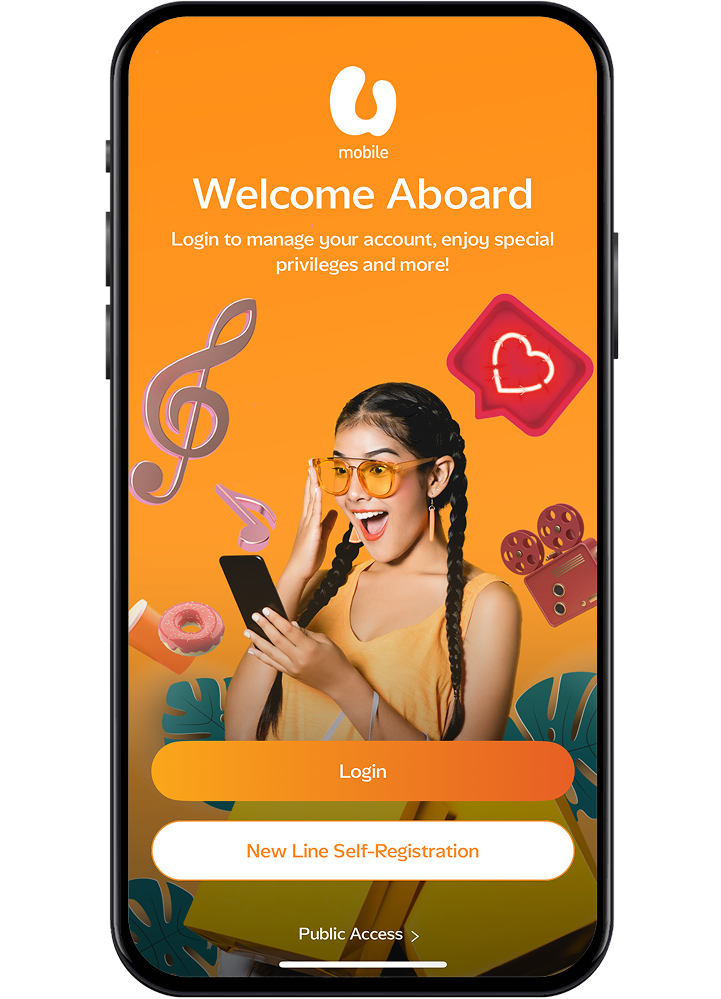
Download or log in to the MyUMobile App.
Step 2
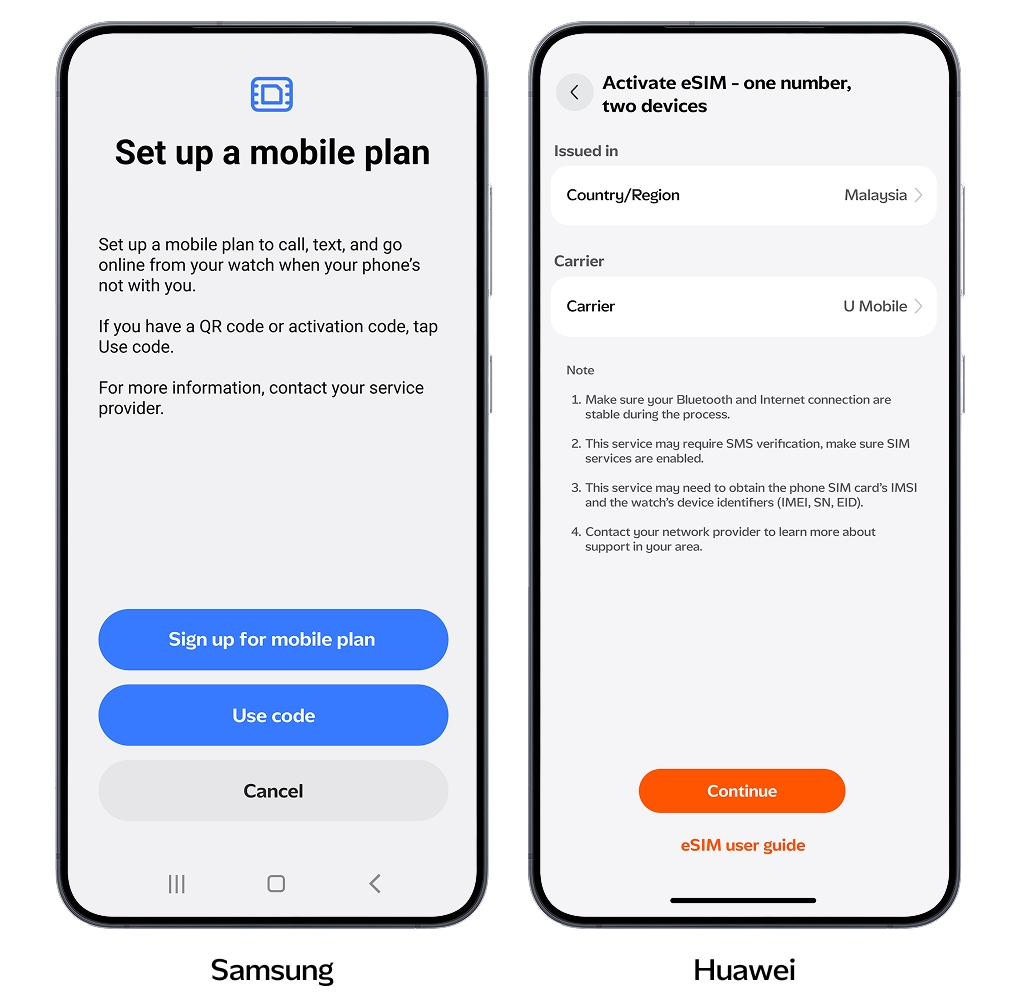
Go to Add-Ons, select Watch Plan, and complete your purchase. Then choose Mobile Device Setup with your selected Watch Plan. Follow the eSIM setup steps in the app.
Step 3
Once registration is complete, go to Manage Your Watch Plan and connect it to your smartwatch.
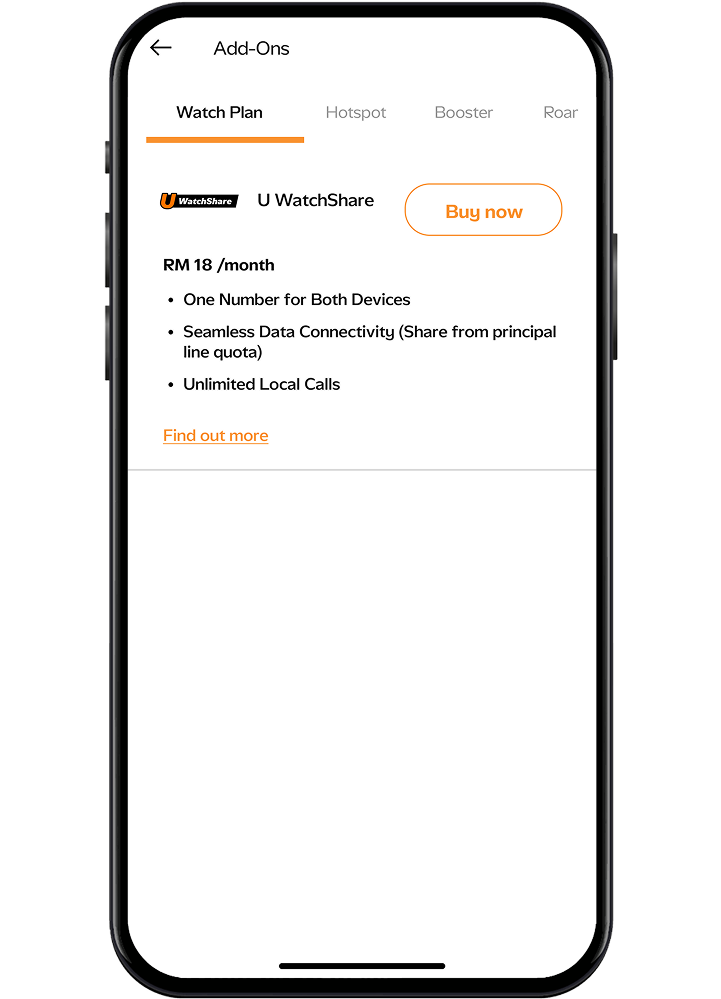
Important Note : Watch Plan is available for U Postpaid 68 and above. Please ensure you have the right Postpaid Plan and an available U FamilyShare line before proceeding.
Step 1
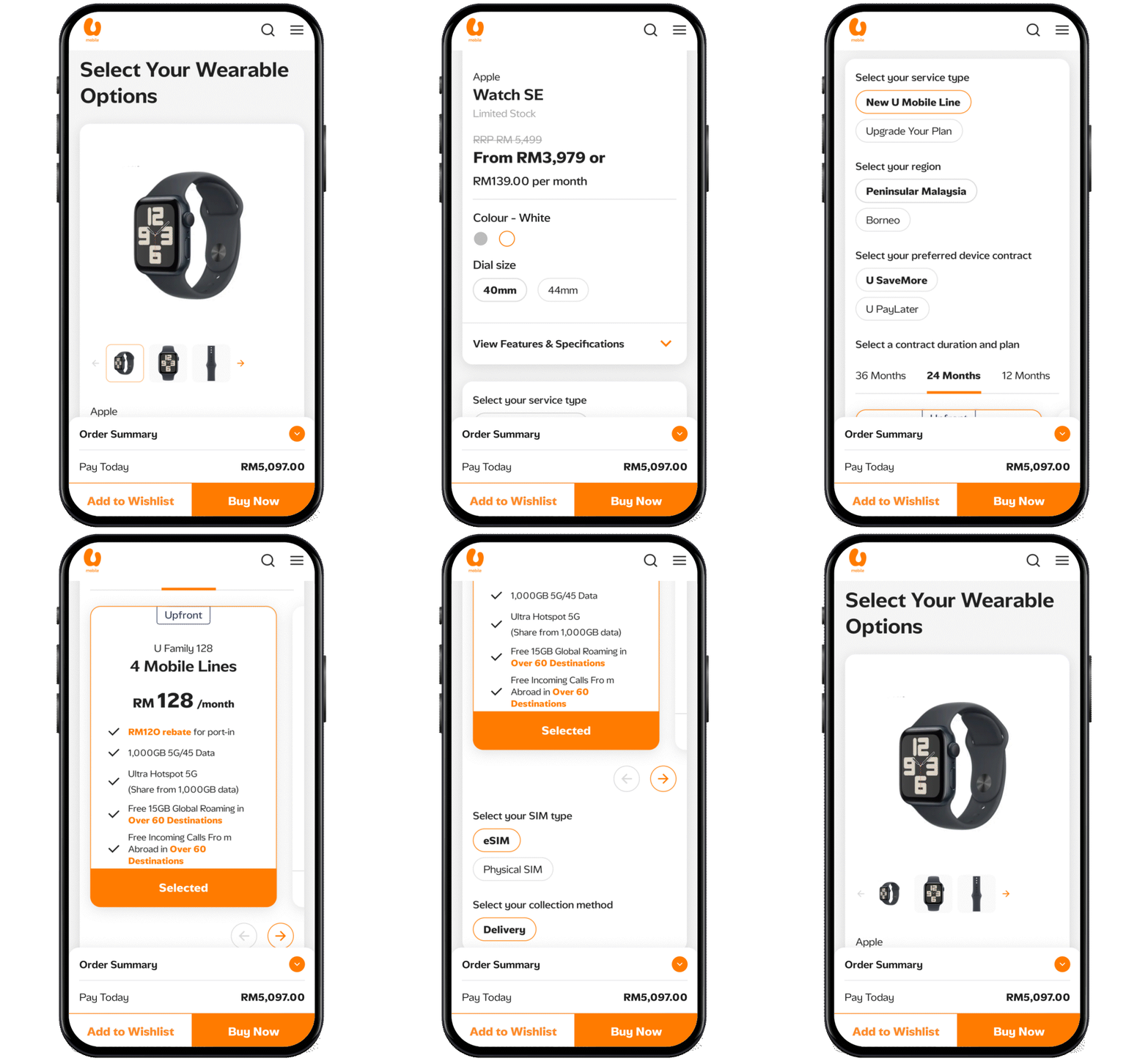
Get a Watch Bundle when you purchase a new line or upgrade your existing one. Choose your preferred smartwatch with the U WatchShare for just RM18 per line.
Eligible plans for Watch Bundle purchase:
U Postpaid 68
U Postpaid 98
U Family 128
Make your selections and complete the purchase process.
Step 2
Once your order has been delivered and completed, pair your watch with the eSIM and connect your plan.
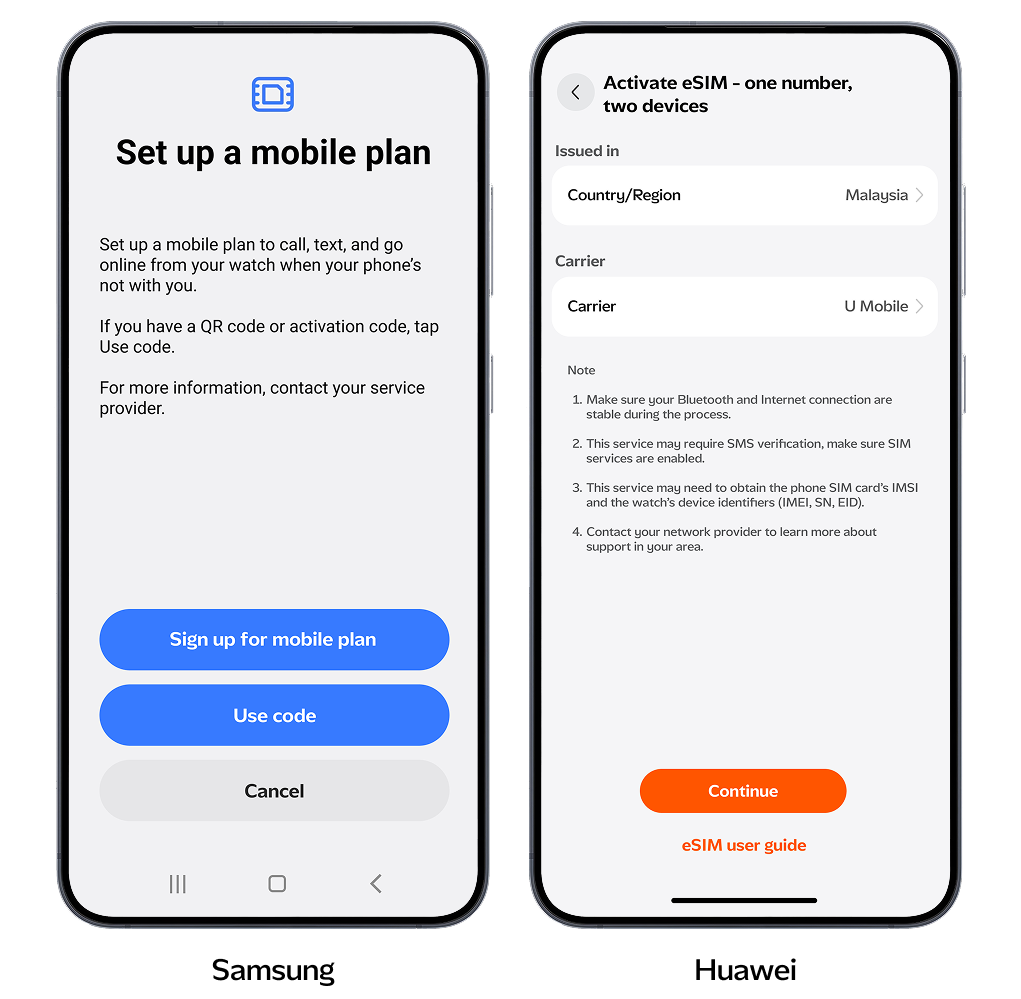
Step 1
Go to your phone settings and select Mobile Services. Click on Set Up Mobile Service
*Please ensure you are using U Mobile network to proceed to the next step.
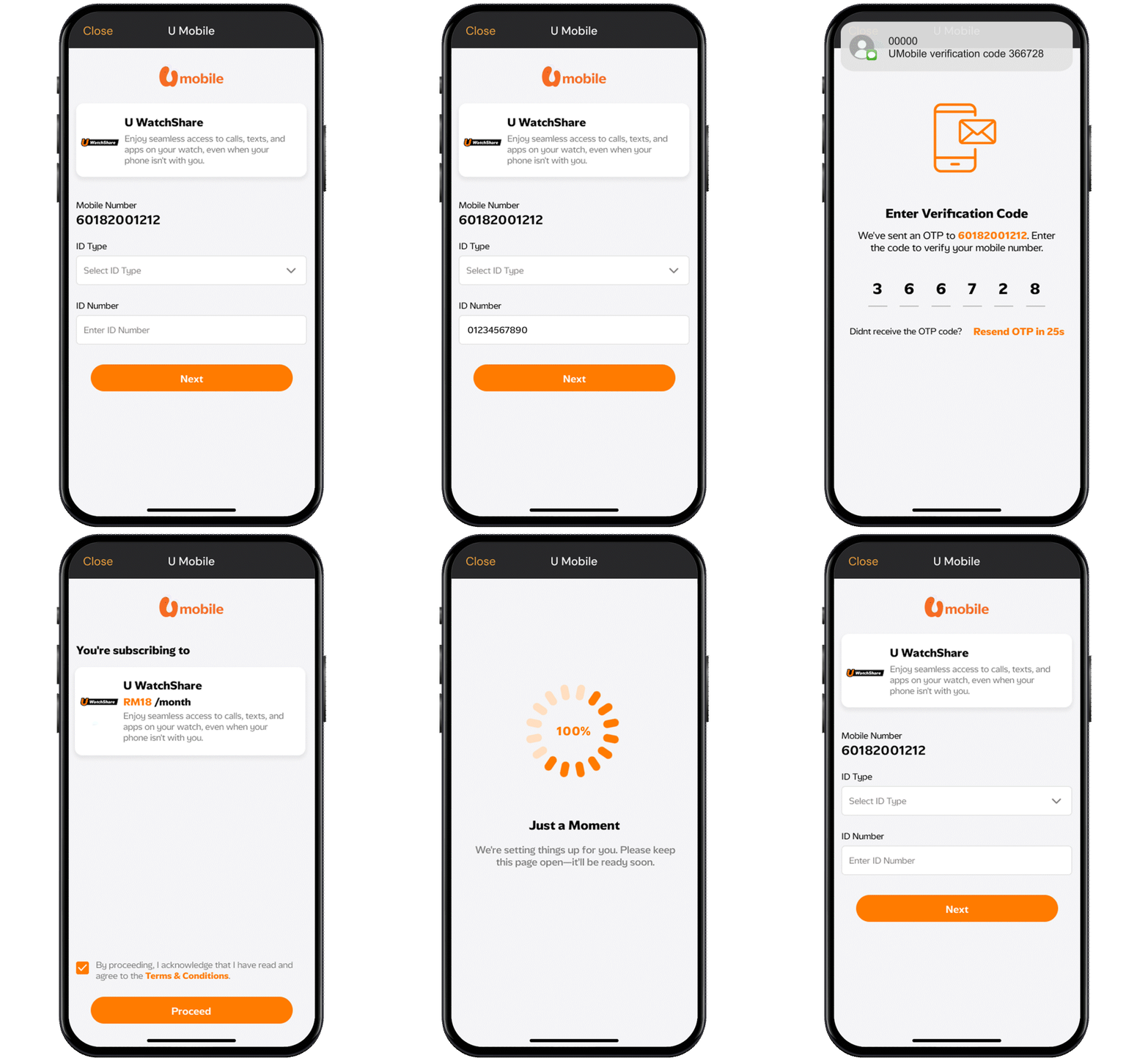
Step 2
Input your details in the U Mobile Watch Plan to check if you have an existing WatchShare Plan.
How to Connect Your Device to Your Watch
Step 1
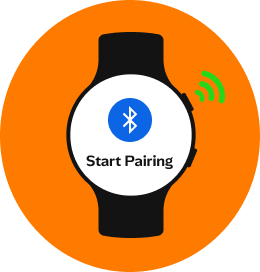
Power on your watch by holding the Home/Power button until the Samsung logo appears to enter pairing mode.
Step 2
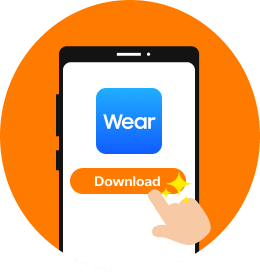
Download the Galaxy Wearable app from the Play Store or Galaxy Store. Open it and follow the prompts to allow permissions.
Step 3
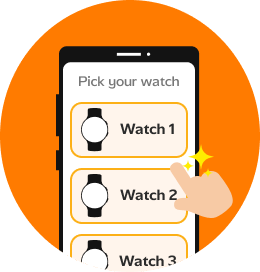
In the app, tap Start, then select your watch model from the list.
Step 4
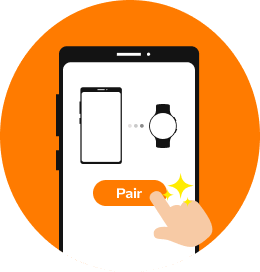
Follow the on-screen instructions to complete pairing.
Step 5
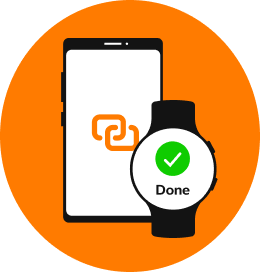
Once paired, your watch will sync with your phone and return to the home screen. If pairing fails, restart the process.
Step 1
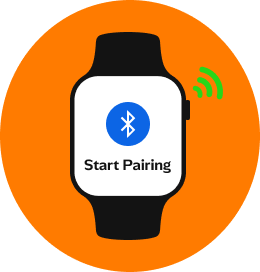
Power on your watch by holding the Up button. Wait for the logo to appear, this puts the watch in pairing mode.
Step 2
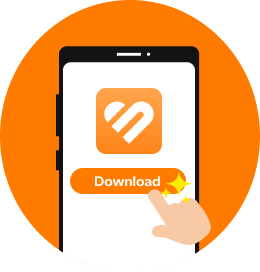
Download the HUAWEI Health app from AppGallery and open it. Follow the prompts to allow permissions.
Step 3
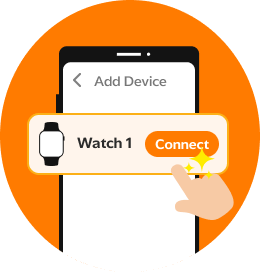
In the app, go to Devices > Add > Smart watches, then select your watch model from the list.
Step 4
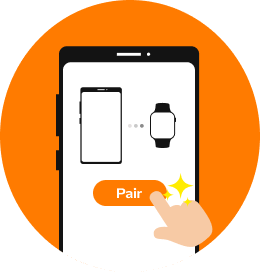
Tap Pair. When your watch appears, select it. Confirm the pairing request on both devices.
Step 5
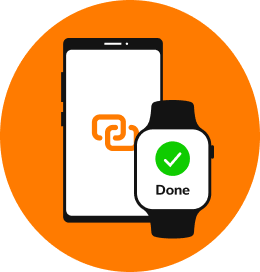
Once paired, your watch will sync with your phone and return to the home screen. If pairing fails, restart the process.
More Ways to Reach Out
Whether it’s through the MyUMobile App or social media, getting in touch is quick and easy.
MyUMobile App
Enjoy a better, faster and safer experience today!

Drop us your message on Messenger.

Instagram
Have questions? Feel free to DM us!
Frequently Asked Questions
U WatchShare is an add-on service that allows you to extend your mobile number, calls, SMS, and data to your compatible smartwatch. With this plan, your smartwatch stays connected even when your phone is not nearby or switched on.
U WatchShare is available to customers on the following postpaid plans:
- U Postpaid 68
- U Postpaid Borneo 68
- U Postpaid 98
- U Family 128
- U FamilyShare
- U Family Share
Only Huawei Watch 5 and Samsung Series 8 watches are supported. Kindly refer to our website for more supported devices in the future.