{{deviceBrand}}
{{deviceModel}}

{{submittedDetailsLabel}}
- {{interestedInLabel}}
- {{data.find(item => item.fieldName === 'IM_INTERESTED_IN' ).fieldValue}}
- {{salutationLabel}}
- {{data.find(item => item.fieldName === 'SALUTATION' ).fieldValue}}
- {{fullNameLabel}}
- {{data.find(item => item.fieldName === 'NAME' ).fieldValue}}
- {{idTypeLabel}}
- {{data.find(item => item.fieldName === 'ID_TYPE' ).fieldValue}}
- {{idNumberLabel}}
- {{data.find(item => item.fieldName === 'ID_NO' ).fieldValue}}
- {{mobileNumberLabel}}
- {{data.find(item => item.fieldName === 'PHONE_NO' ).fieldValue}}
- {{emailAddressLabel}}
- {{data.find(item => item.fieldName === 'EMAIL' ).fieldValue}}
- {{adresssLineLabel}}
- {{data.find(item => item.fieldName === 'ADDRESS_LINE' ).fieldValue}}
- {{postcodeLabel}}
- {{data.find(item => item.fieldName === 'POSTCODE' ).fieldValue}}
- {{stateLabel}}
- {{data.find(item => item.fieldName === 'STATE' ).fieldValue}}
- {{cityLabel}}
- {{data.find(item => item.fieldName === 'CITY' ).fieldValue}}
{{yourSelectedPlanLabel}}
- {{broadbandPlanLabel}}
- {{data.find(item => item.fieldName === 'BROADBAND_PLAN' )?.fieldValue}}
- {{selectedPostpaidOptionPlanLabel}}
- {{selectedPostpaidOptionPlan}}
- {{monthlyFeeLabel}}
- {{data.find(item => item.fieldName === 'MONTHLY_FEE' )?.fieldValue}}
{{personalDetailsFormLabel}}
- {{salutationLabel}}
- {{data.find(item => item.fieldName === 'SALUTATION' )?.fieldValue}}
- {{fullNameLabel}}
- {{data.find(item => item.fieldName === 'NAME' )?.fieldValue}}
- {{idTypeLabel}}
- {{data.find(item => item.fieldName === 'ID_TYPE' )?.fieldValue}}
- {{idNumberLabel}}
- {{data.find(item => item.fieldName === 'ID_NO' )?.fieldValue}}
- {{mobileNumberLabel}}
- {{data.find(item => item.fieldName === 'PHONE_NO' )?.fieldValue}}
- {{emailAddressLabel}}
- {{data.find(item => item.fieldName === 'EMAIL' )?.fieldValue}}
{{installationAddressFormLabel}}
- {{installationBuildingNameLabel}}
- {{data.find(item => item.fieldName === 'INSTALLATION_BUILDING_NAME' )?.fieldValue}}
- {{installationUnitBlockLabel}}
- {{data.find(item => item.fieldName === 'INSTALLATION_BLOCK_NUMBER' )?.fieldValue}}
- {{installationUnitNumberLabel}}
- {{data.find(item => item.fieldName === 'INSTALLATION_UNIT_NUMBER' )?.fieldValue}}
- {{installationAddressLineLabel}}
- {{data.find(item => item.fieldName === 'INSTALLATION_ADDRESS_LINE' )?.fieldValue}}
- {{installationPostcodeLabel}}
- {{data.find(item => item.fieldName === 'INSTALLATION_POSTCODE' )?.fieldValue}}
- {{installationStateLabel}}
- {{data.find(item => item.fieldName === 'INSTALLATION_STATE' )?.fieldValue}}
- {{installationCityLabel}}
- {{data.find(item => item.fieldName === 'INSTALLATION_CITY' )?.fieldValue}}
- {{installationServiceProviderLabel}}
- {{data.find(item => item.fieldName === 'SERVICE_PROVIDER' )?.fieldValue}}
{{registrationAddressFormLabel}}
- {{registrationBuildingNameLabel}}
- {{data.find(item => item.fieldName === 'REGISTRATION_BUILDING_NAME' )?.fieldValue}}
- {{registrationUnitBlockLabel}}
- {{data.find(item => item.fieldName === 'REGISTRATION_BLOCK_NUMBER' )?.fieldValue}}
- {{registrationUnitNumberLabel}}
- {{data.find(item => item.fieldName === 'REGISTRATION_UNIT_NUMBER' )?.fieldValue}}
- {{registrationAddressLineLabel}}
- {{data.find(item => item.fieldName === 'REGISTRATION_ADDRESS_LINE' )?.fieldValue}}
- {{registrationPostcodeLabel}}
- {{data.find(item => item.fieldName === 'REGISTRATION_POSTCODE' )?.fieldValue}}
- {{registrationStateLabel}}
- {{data.find(item => item.fieldName === 'REGISTRATION_STATE' )?.fieldValue}}
- {{registrationCityLabel}}
- {{data.find(item => item.fieldName === 'REGISTRATION_CITY' )?.fieldValue}}
- {{registrationServiceProviderLabel}}
- {{data.find(item => item.fieldName === 'SERVICE_PROVIDER' )?.fieldValue}}
保持联系的全新方式
eSIM为嵌入式 SIM卡,内置在设备内的微小芯片中。通过 eSIM,您无需再使用实体 SIM 卡 即可连接网络使用数据或进行通话。您只需扫描二维码启动您的 eSIM,即可连接到我们的网络。
无缝切换手机线
一机双卡,灵活多变
启动变得简单易行
获取 eSIM 的多种途径
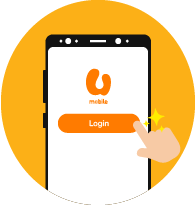
Step 2
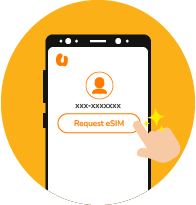
Open the MyUMobile App and sign into your account. Navigate to Settings and tap on the "Request eSIM" option.
Step 3
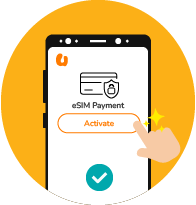
Proceed with the verification process and complete the eSIM activation payment.
Step 4
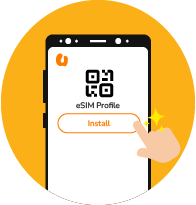
Once payment is confirmed, you may get your eSIM QR code from App Settings or via email to complete activation.
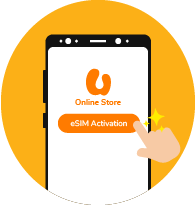
Step 2
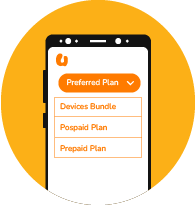
Select your preferred plan (Device Bundle, Plan Purchase or Switch to U) to get your new eSIM.
Step 3
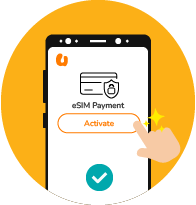
Proceed with the verification process and complete the eSIM activation payment.
Step 4
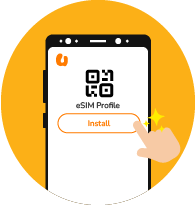
Once the payment is confirmed, you will receive an eSIM QR code via email.
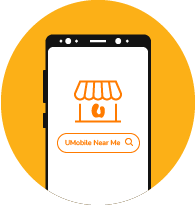
Step 2
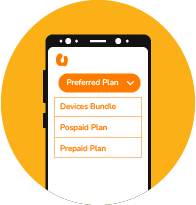
Select your preferred plan option, whether it's a device bundle with a plan, a postpaid plan, or a prepaid plan.
Step 3
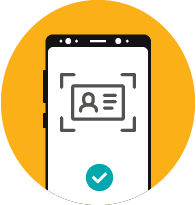
Bring your valid ID and complete the verification and payment process at the counter.
Step 4
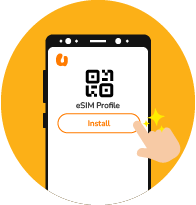
Once your payment is confirmed, you will receive an eSIM QR code via email.
通过 eSIM 保持联系
步骤 1
注册新专线及选择您的配套
选择您喜爱的手机配套并开始享用U Mobile新专线。使用您的身份证或护照并进行脸部识别来完成eKYC实名验证。
步骤 2
选择您的号码和eSIM
选择您要的手机号码和eSim并迅速启动。
步骤 3
输入您的资料及验证
填写您的注册资料并透过OTP确认您的电子邮件。
步骤 4
重新查看及确认
重新查看您的个人资料和完成付款,并确认订单。
步骤 5
立即启动您的eSIM
从订单确认页面直接下载您的eSIM或透过电子邮件或MyUMobile App获取您的QR二维码。
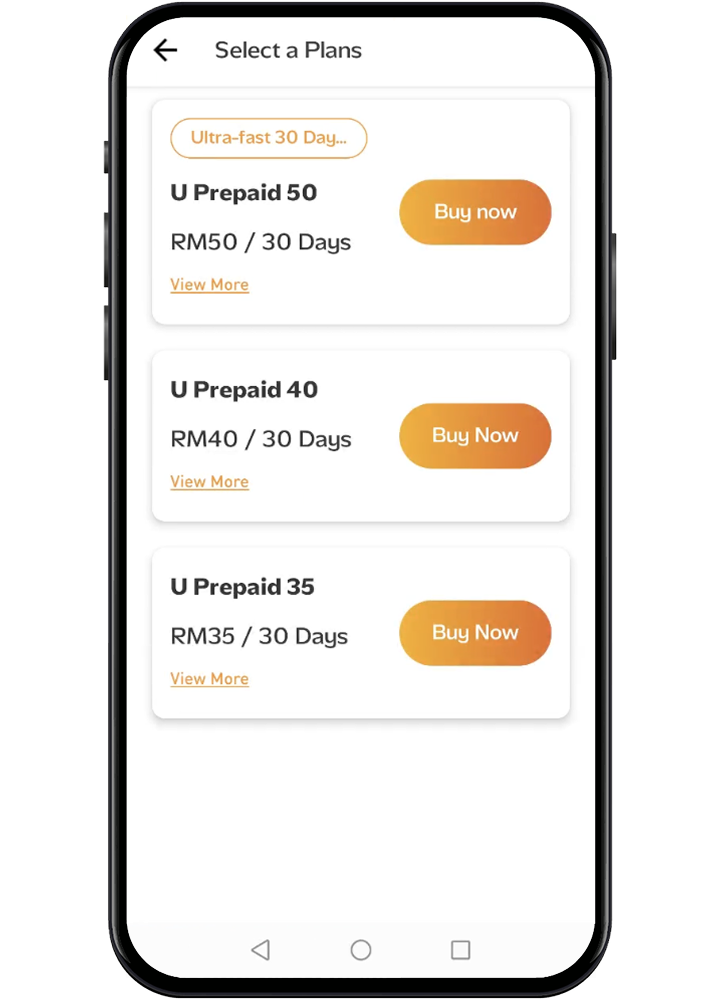
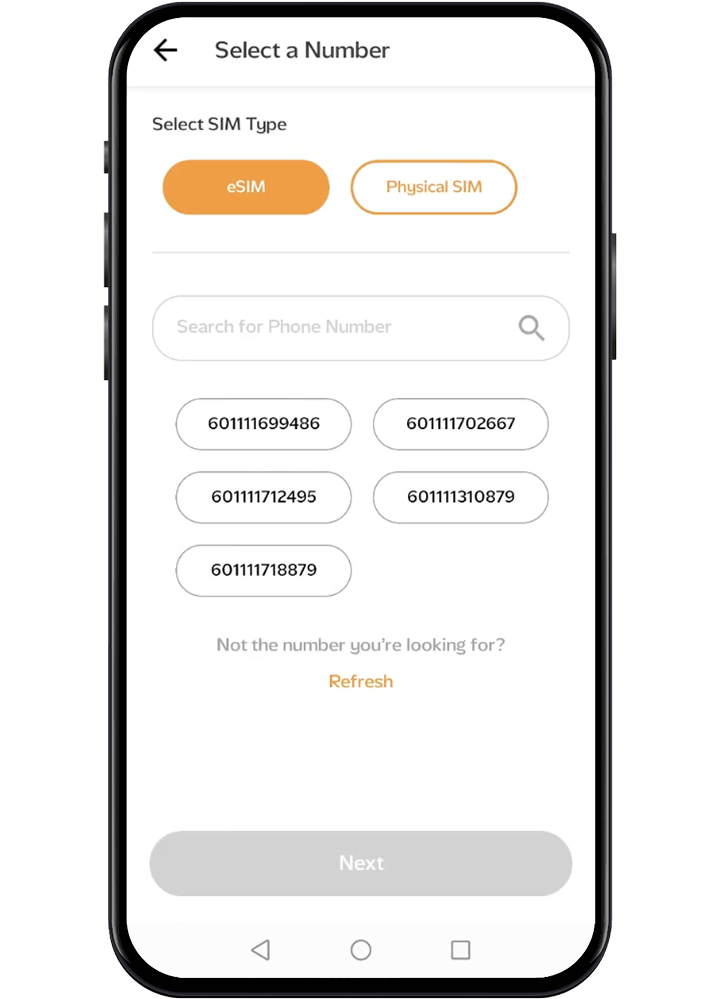
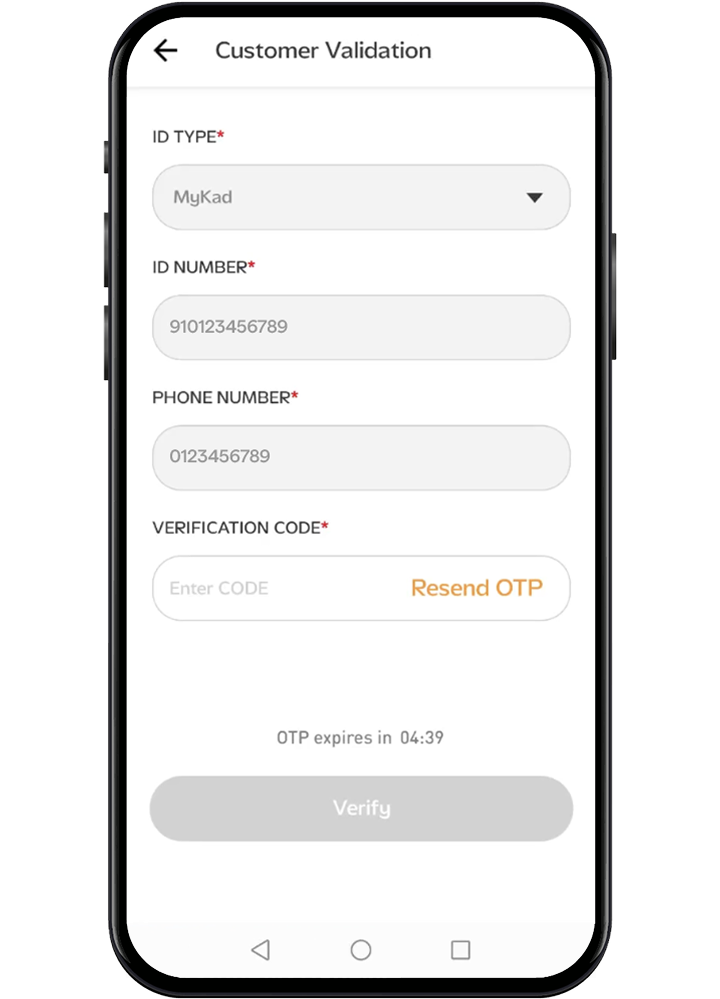
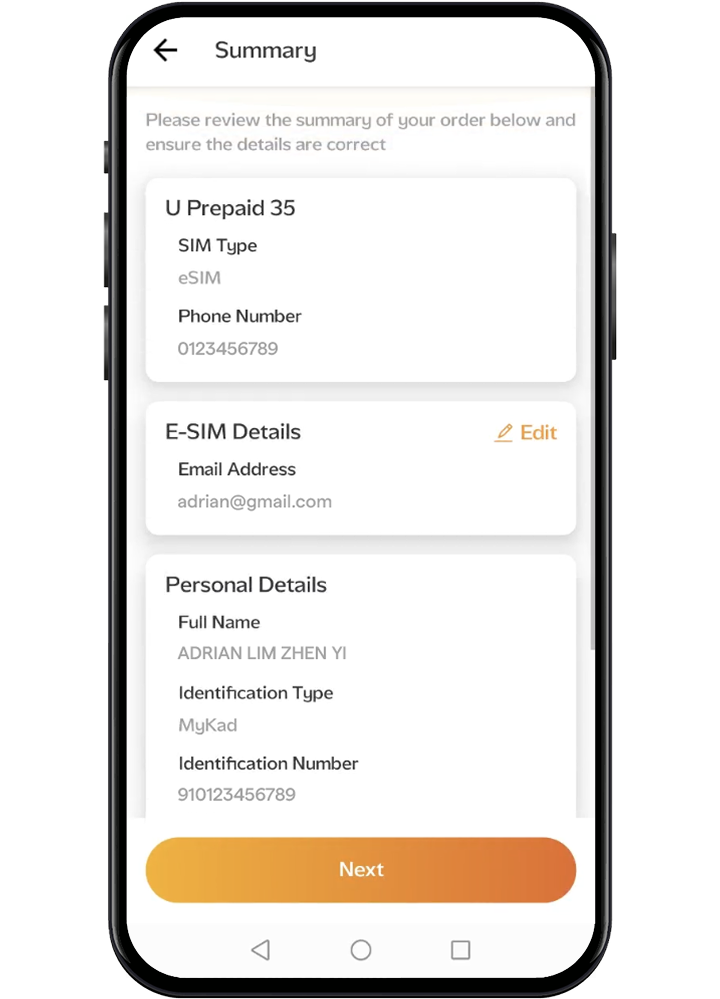
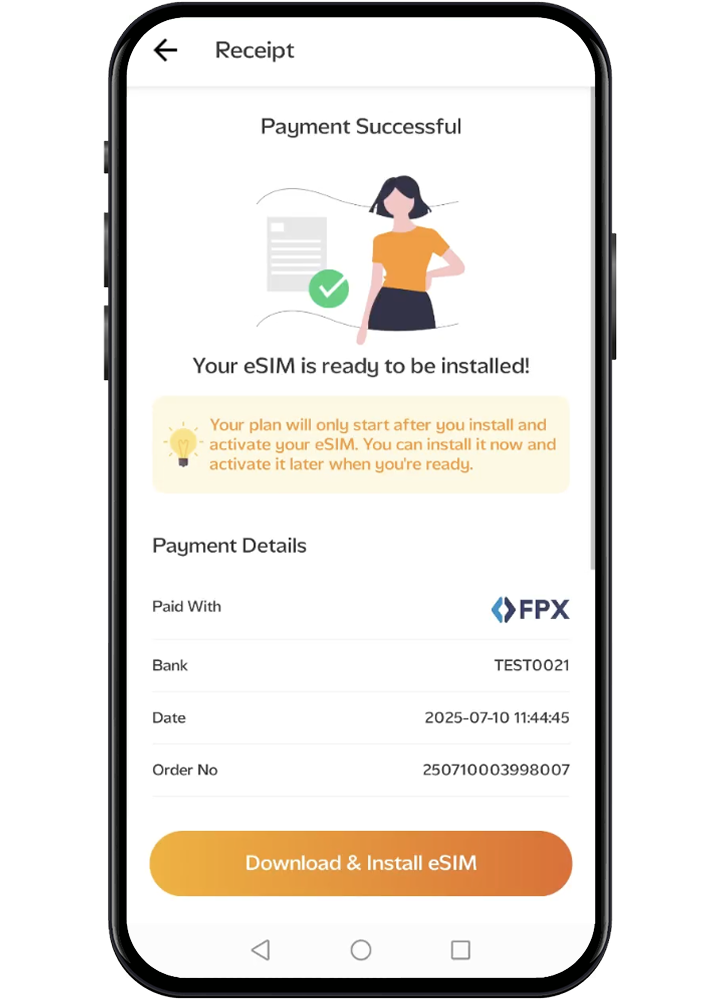
步骤 1
在此选择可兼容 eSIM 的心仪手机。
步骤 2
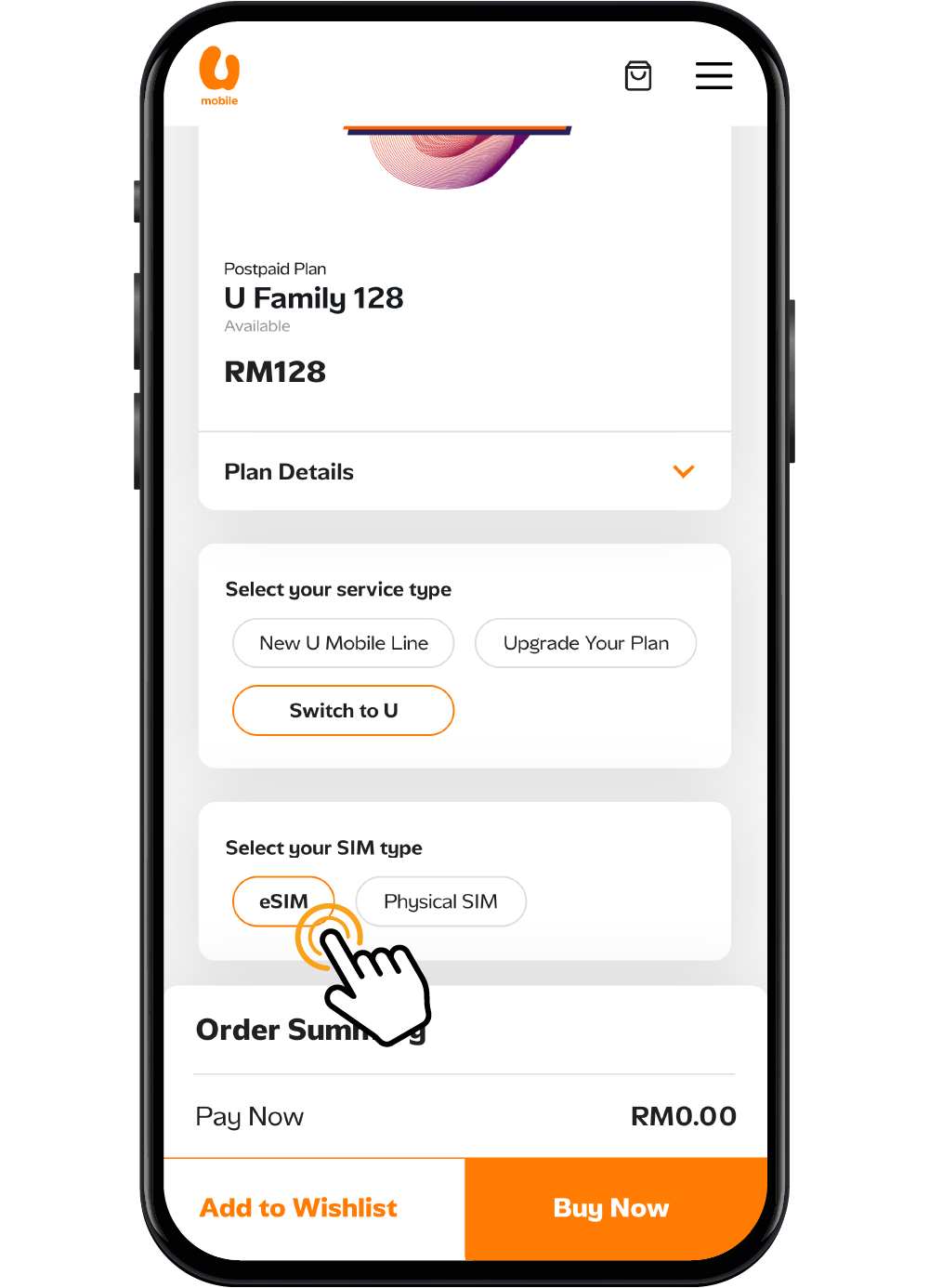
选择 eSIM 作为您想要的SIM卡类型。
步骤 3
完成付款后,您将通过电子邮件收到 eSIM 激活二维码。
点击 启用 eSIM 码 以了解如何激活。
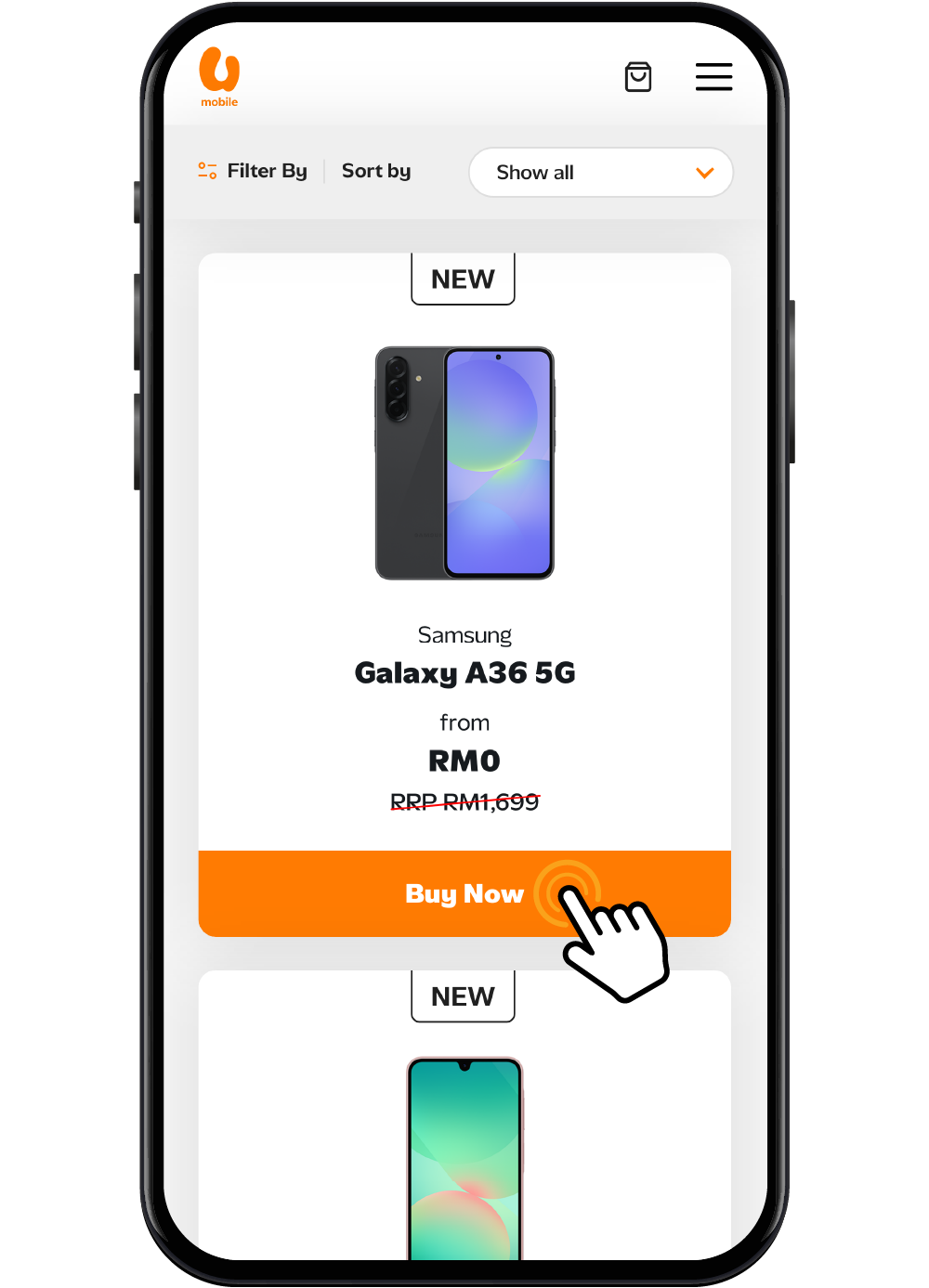
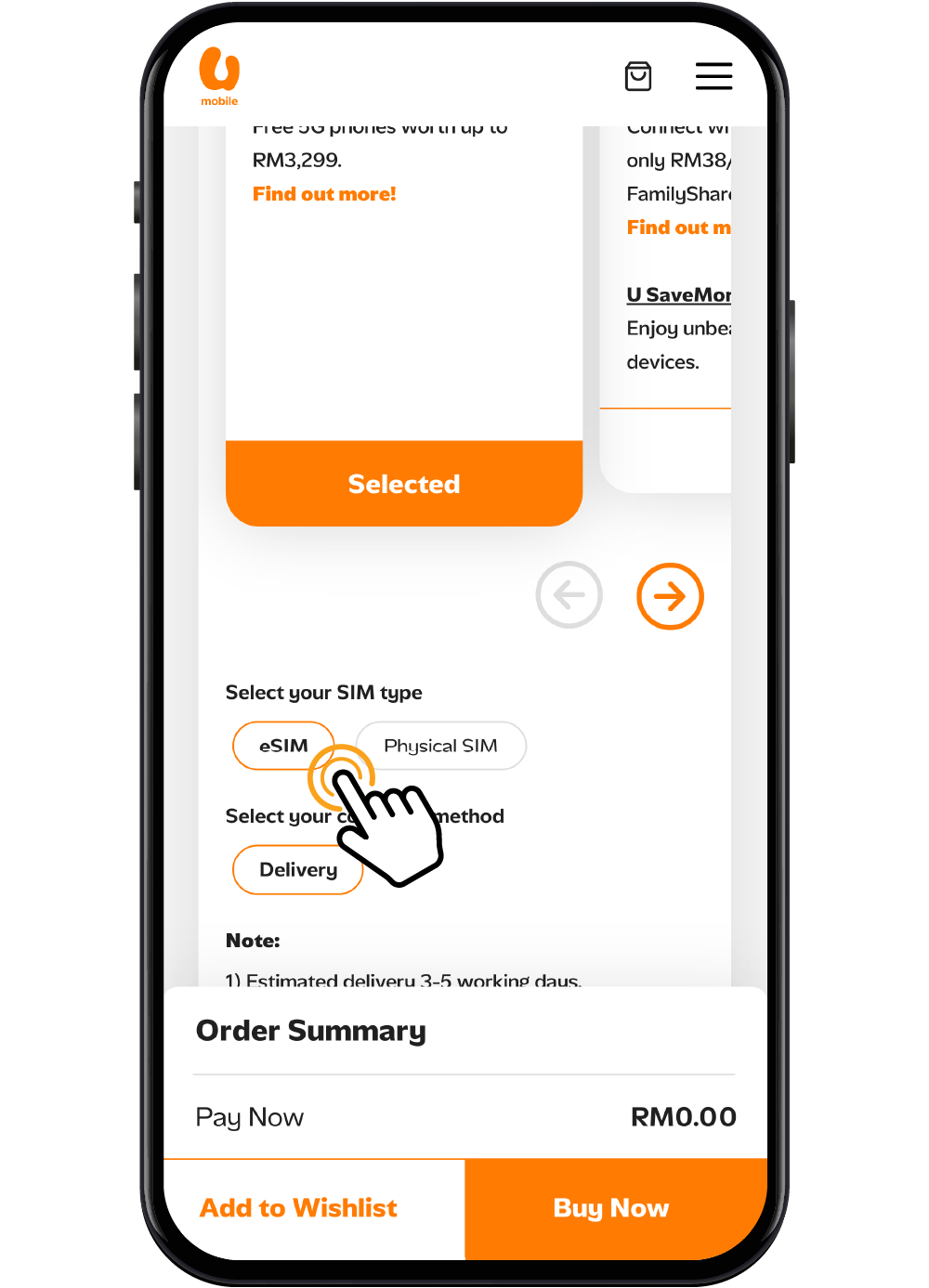
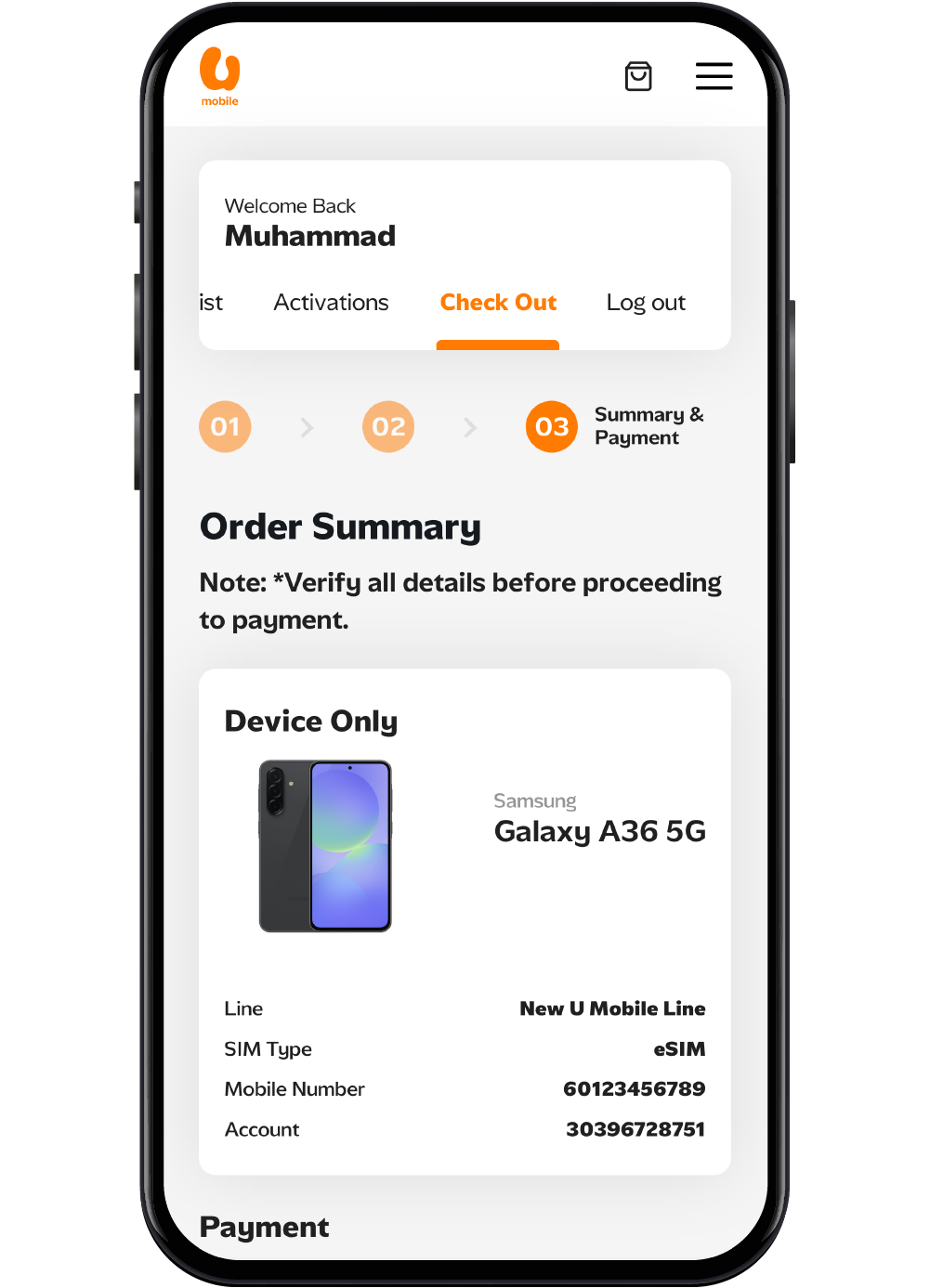
步骤 1
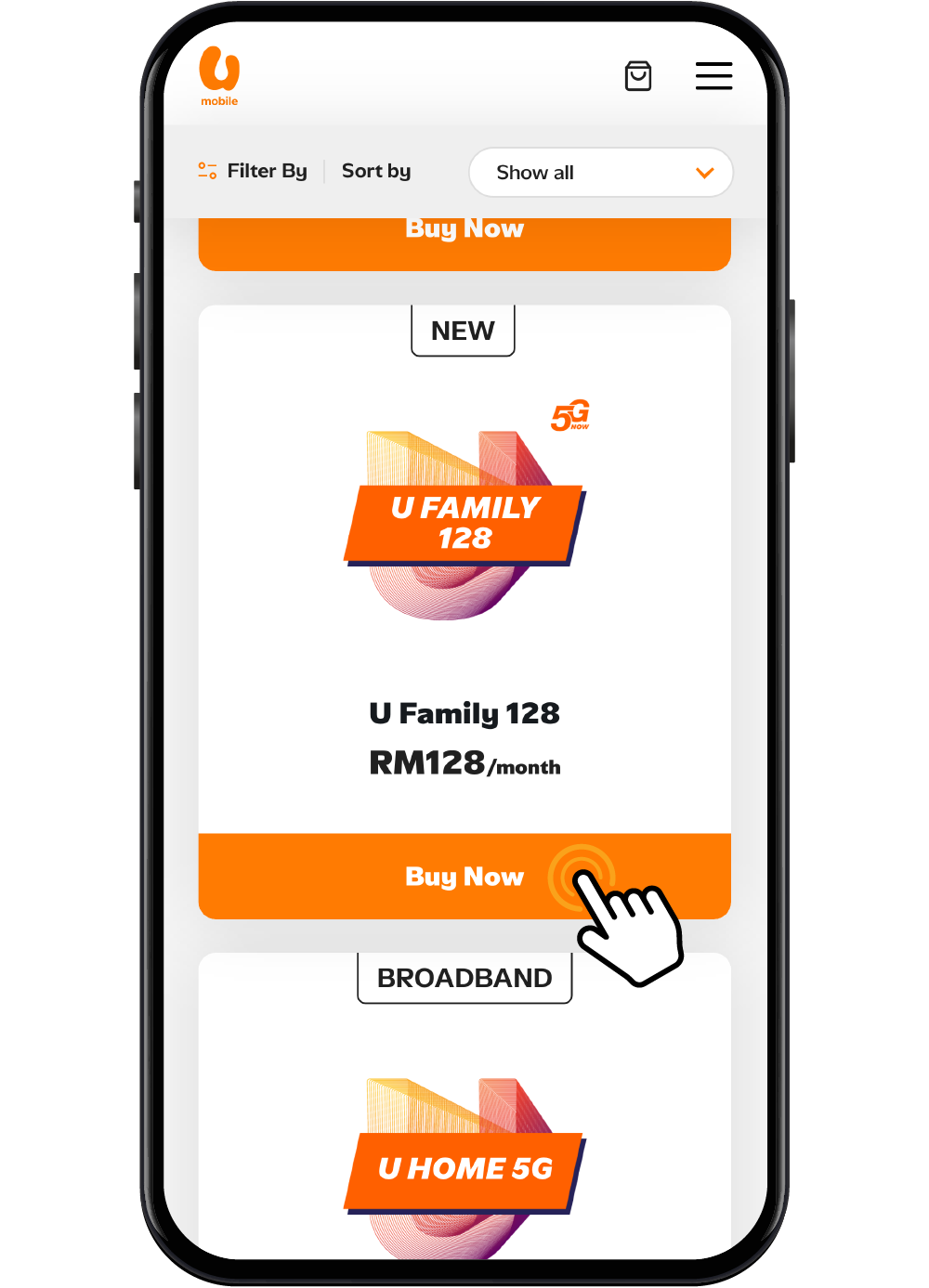
前往 U Mobile 的网店,选择您心仪的后付或预付配套。
步骤 2
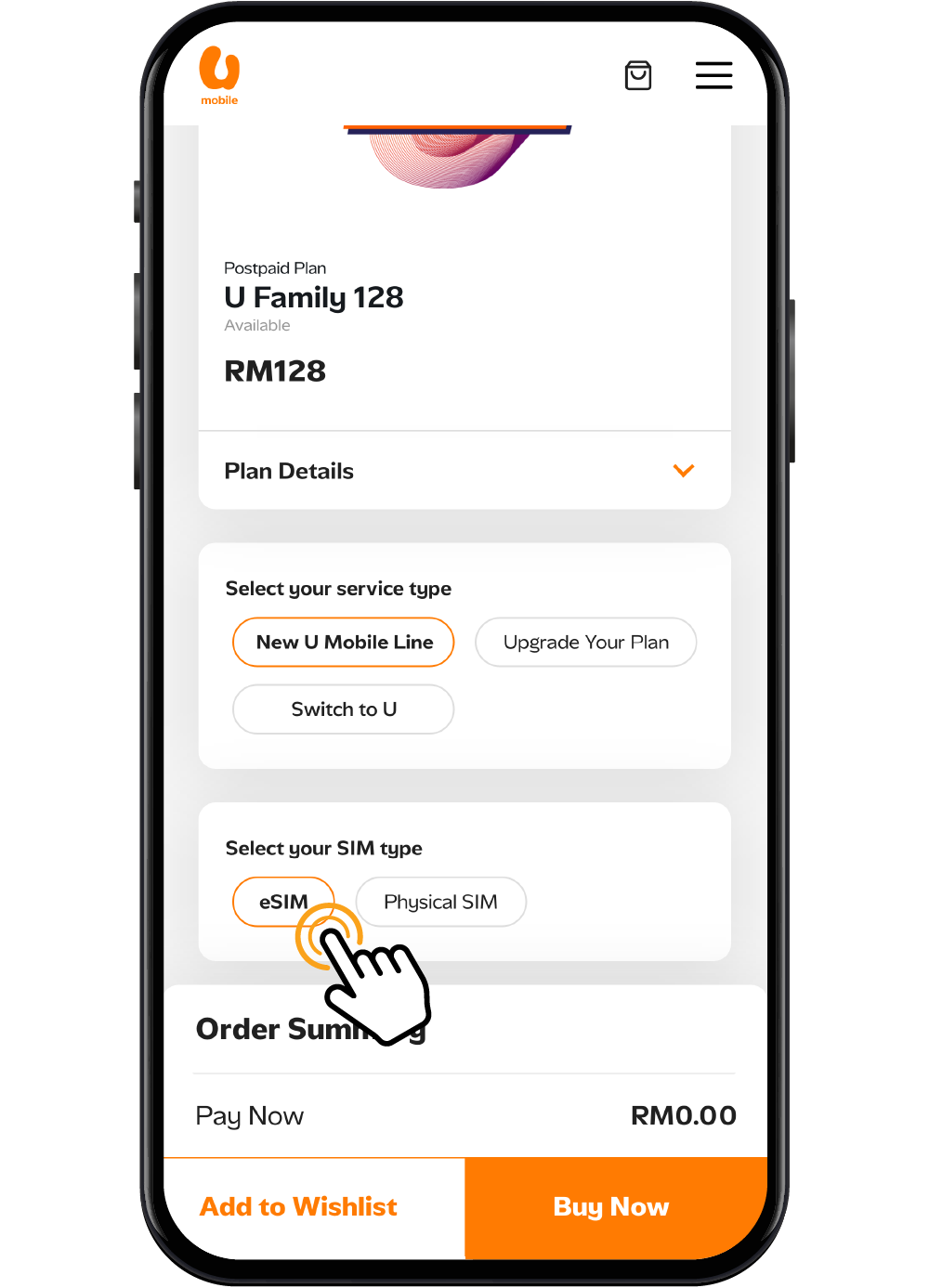
选择 eSIM 作为您想要的SIM卡类型。
步骤 3
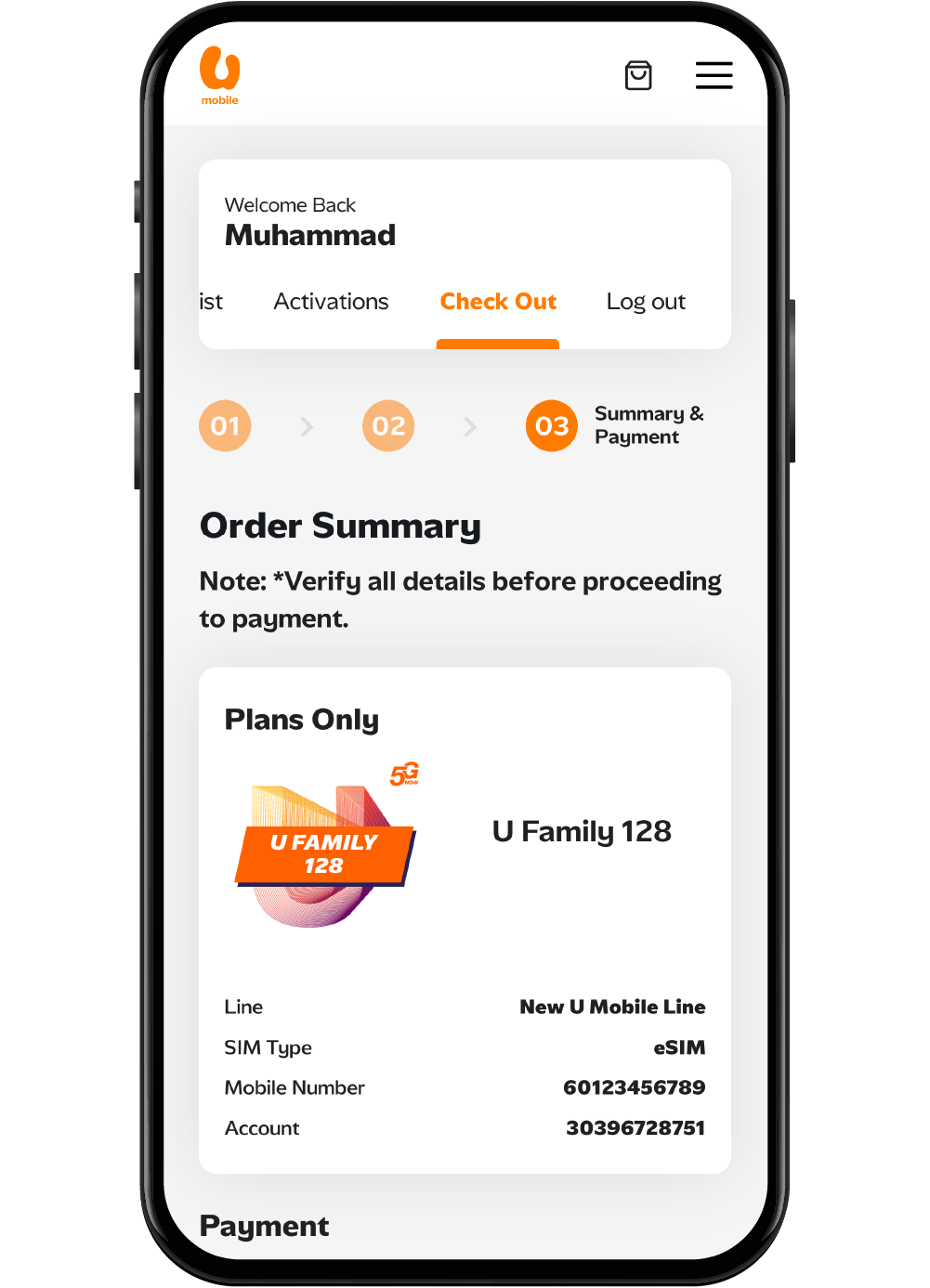
完成付款后,您将收到 eSIM 激活二维码。点击启动 eSIM 以了解如何启用您的新 eSIM。
步骤 1
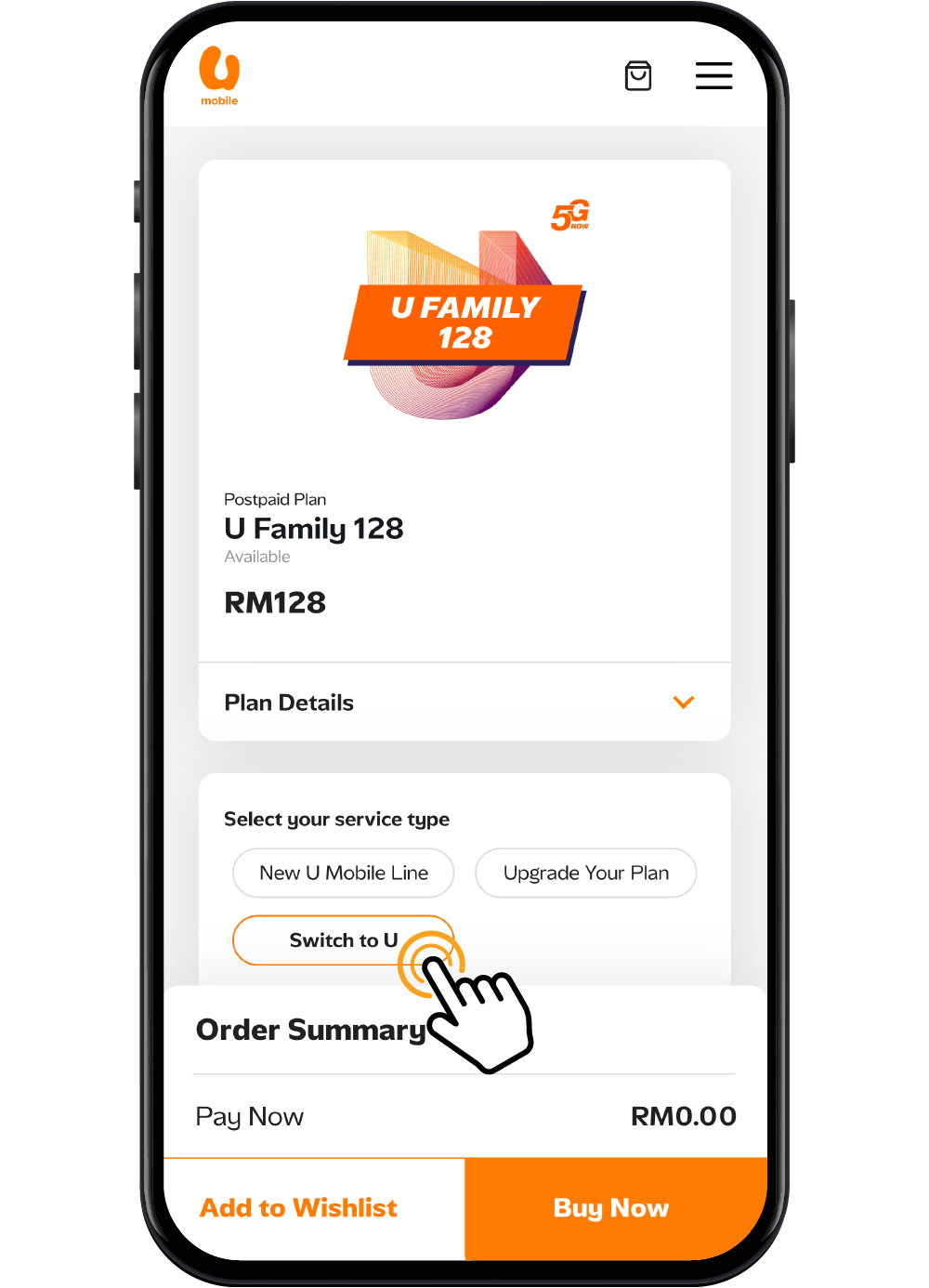
浏览我们的网店选择您心仪的配套。选择 Switch To U 开始转台流程。
步骤 2
选择 eSIM 为您的SIM卡选项。
步骤 3
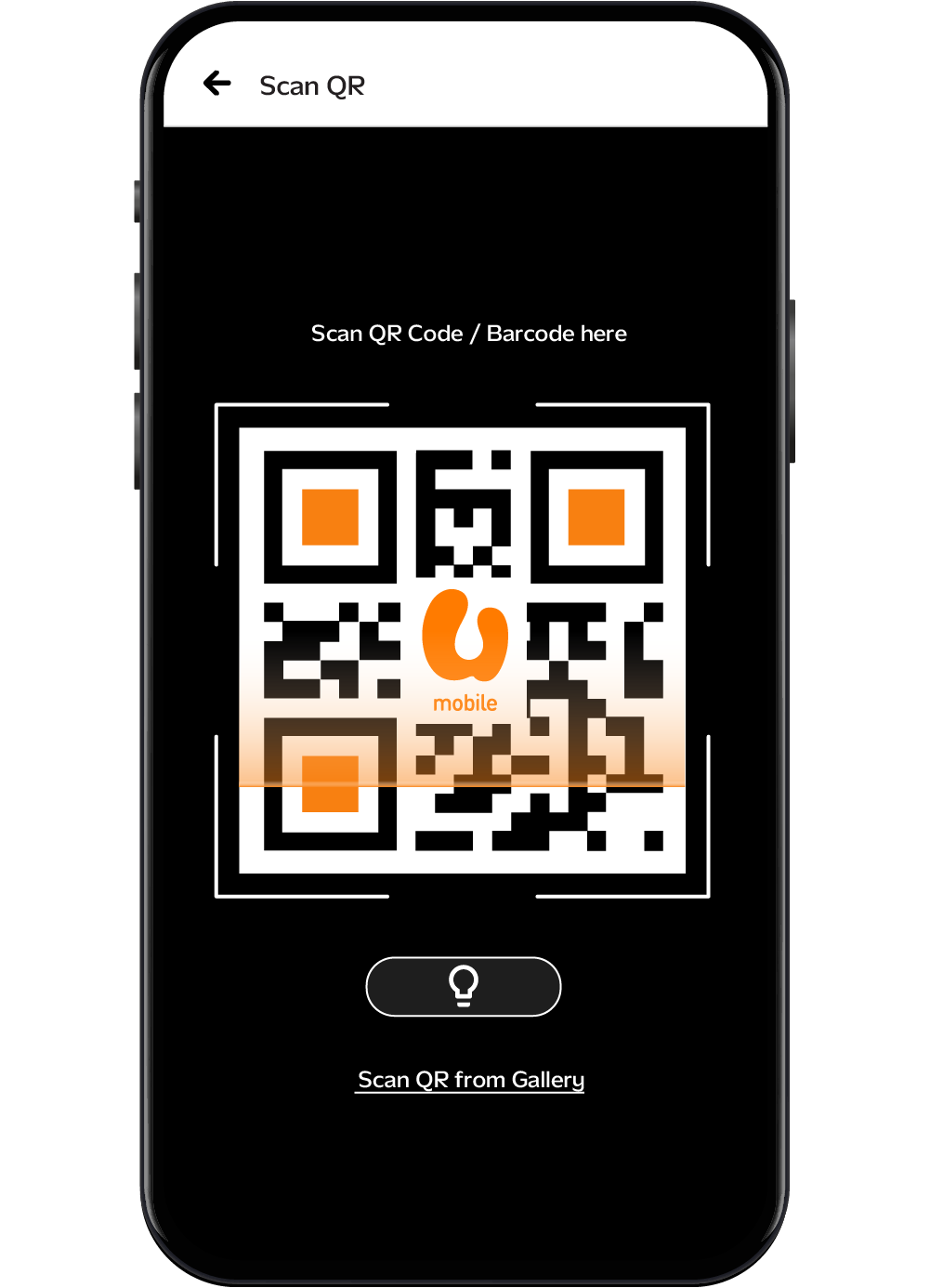
您将通过电子邮件或 MyUMobile App 收到 eSIM 二维码。扫描二维码以启动您的 eSIM 并完成转台流程。
启动您的 eSIM
步骤 1
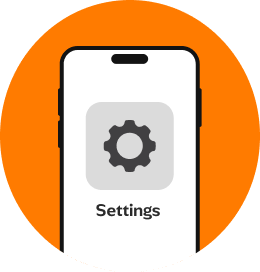
连接到 WiFi 网络,打开您的iPhone设置。
步骤 2
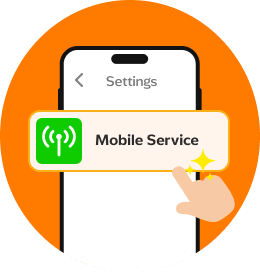
点选移动服务。
步骤 3
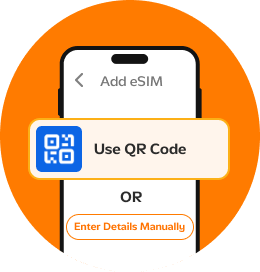
点击添加 eSIM,然后选择使用 二维码或手动输入资料 (如有提供)。
步骤 4
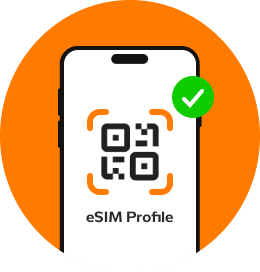
扫描专属二维码,或按照屏幕上的指示完成 eSIM配置。设置完成!
步骤 1
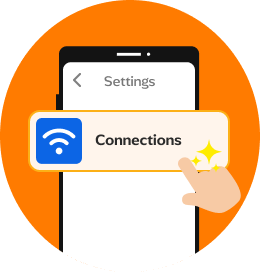
前往设置并点选网络。
步骤 2
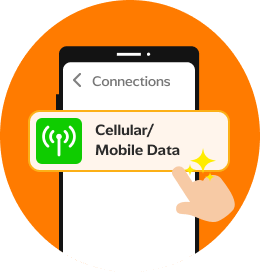
点选移动网络或者移动数据。
步骤 3
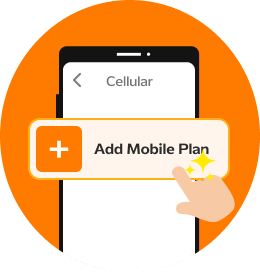
选择添加移动配套。
步骤 4
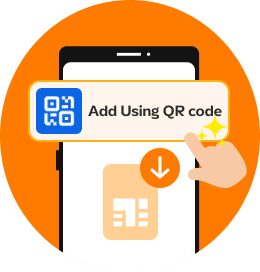
若未检测到任何配套,点击使用二维码添加或根据您手机设备的 提示选择下载 eSIM选项。
步骤 5
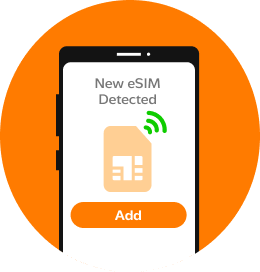
一旦检测到配套,请点击添加以下载和安装。
步骤 6
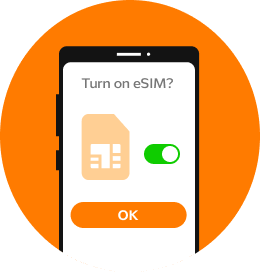
选择确定以启动配套。
步骤 7
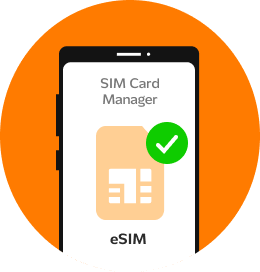
完成设置和启动后,您的 eSIM 将出现在 SIM 卡管理器中。
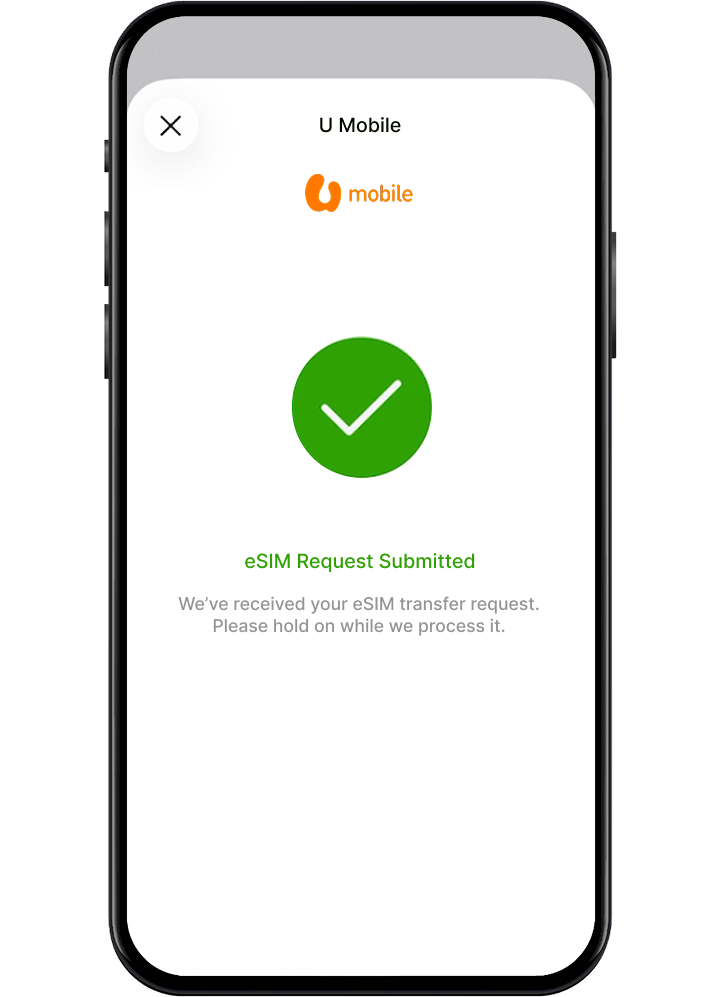
使用 eSIM 转移功能直接转移您的号码
如果您的设备支持 eSIM 转移,您可以直接从您的设备转移您的移动配套。
开始之前,请确保:

两部设备位于附近,并已开启
Wi-Fi或移动数据

蓝牙功能已开启

你的旧设备已使用密码解锁

两部设备均支援 eSIM
要转移您的 eSIM:
步骤 1
在新 iPhone 上前往 设置 > 移动网络 > 设置蜂窝网络。
步骤 2
选择您的移动计划,或点击 从附近的 iPhone 转移。
步骤 3
按照两台设备上的提示完成转移。
步骤 4
当新的 eSIM 激活后,旧的 SIM 将自动停用。
步骤 5
若出现提示,请通过 U Mobile 的网页完成设置。
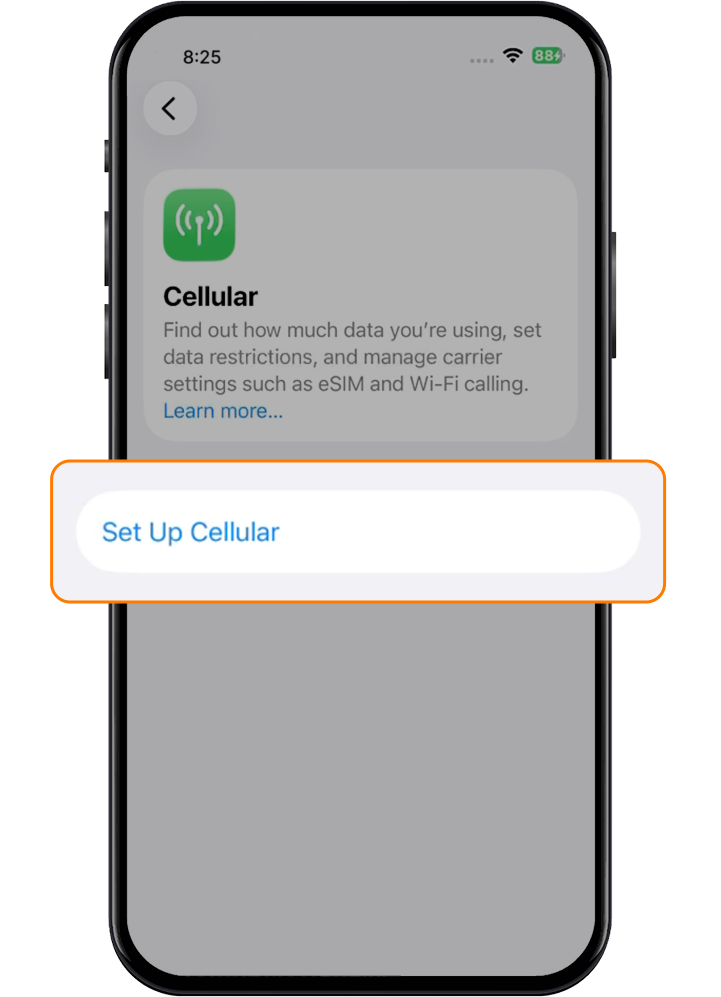
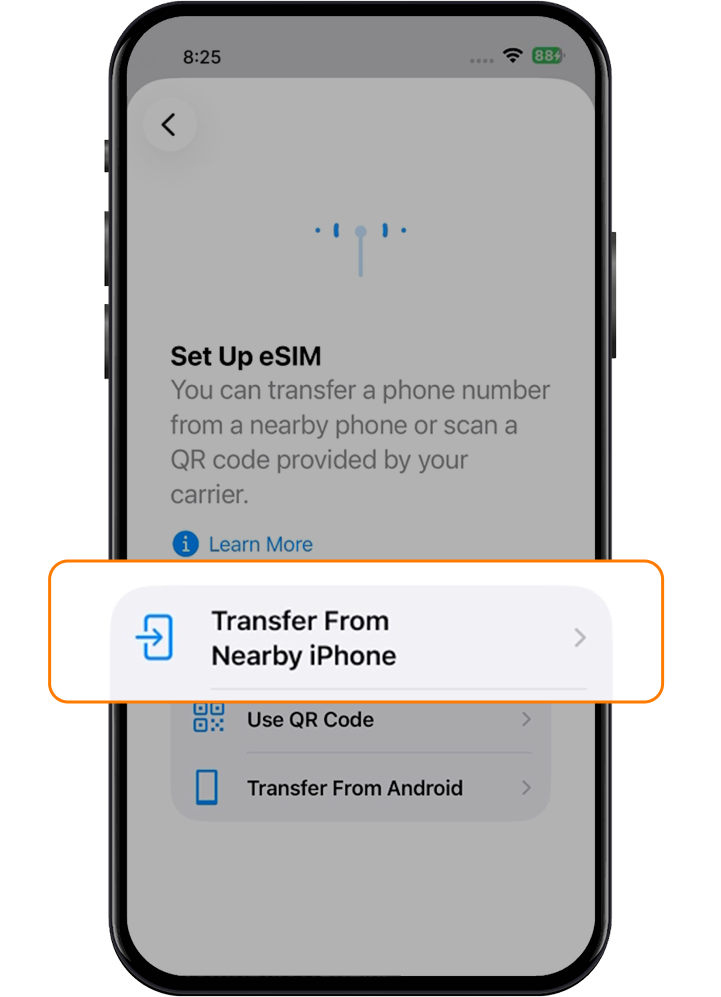
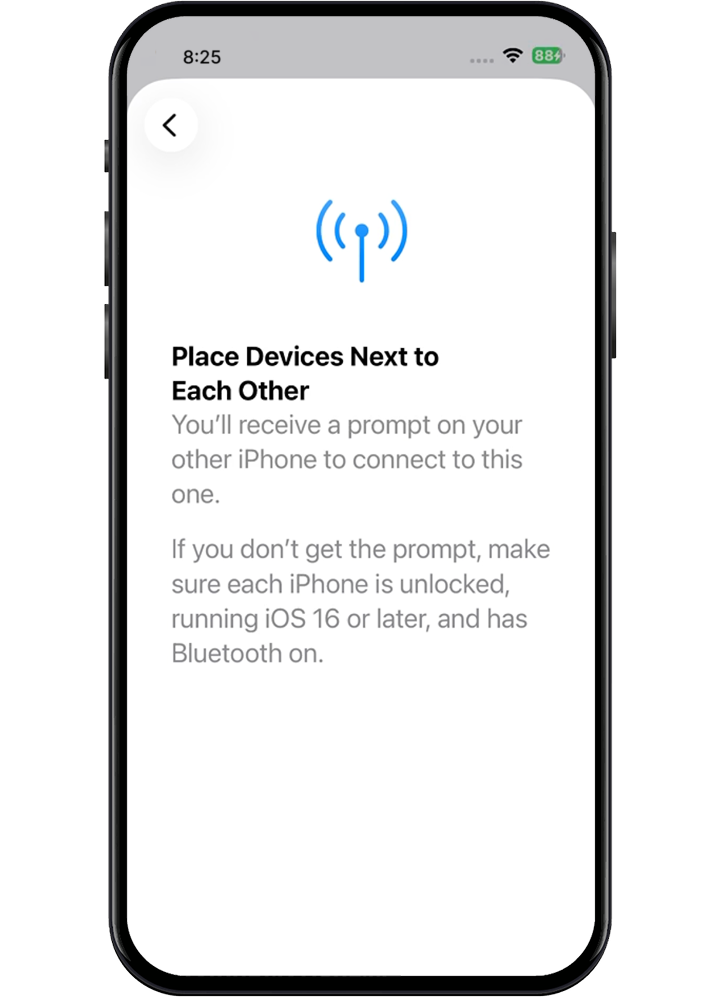
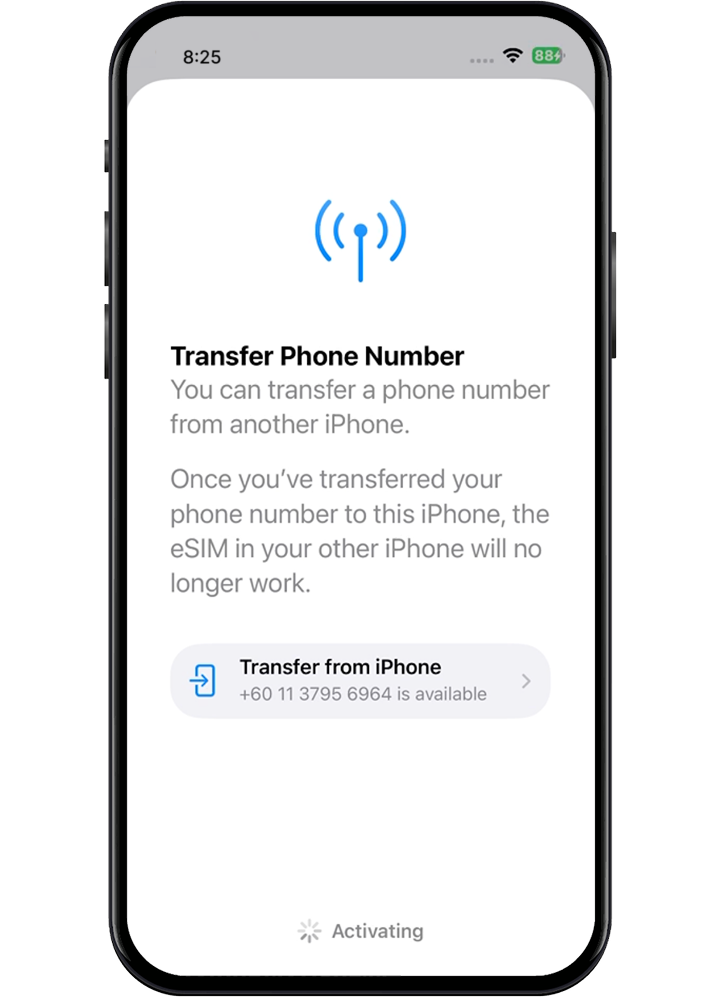
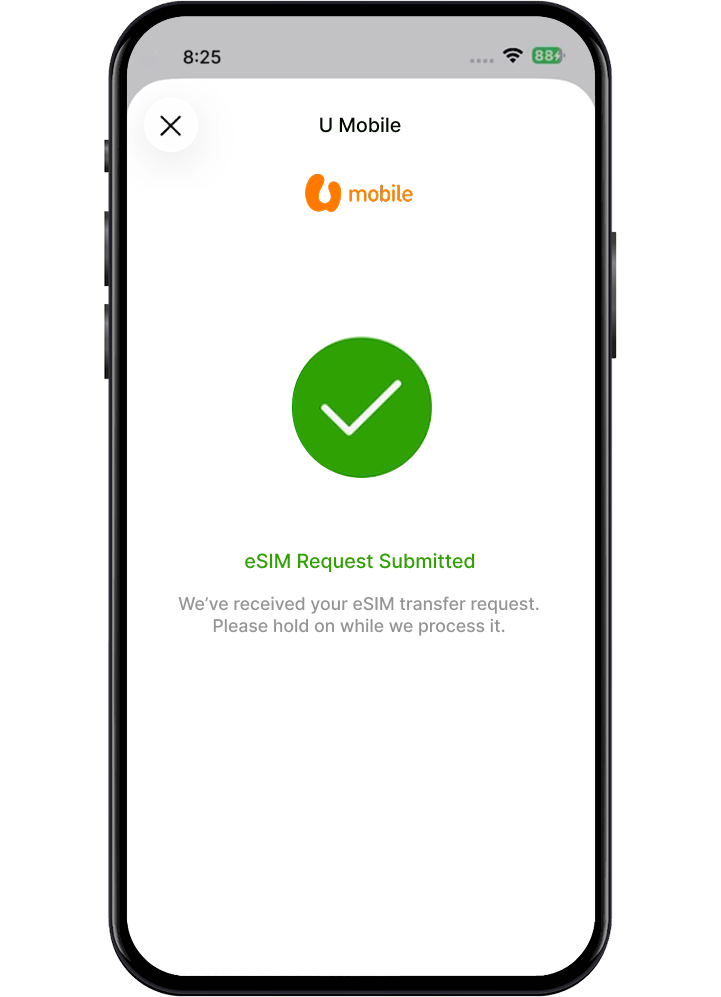
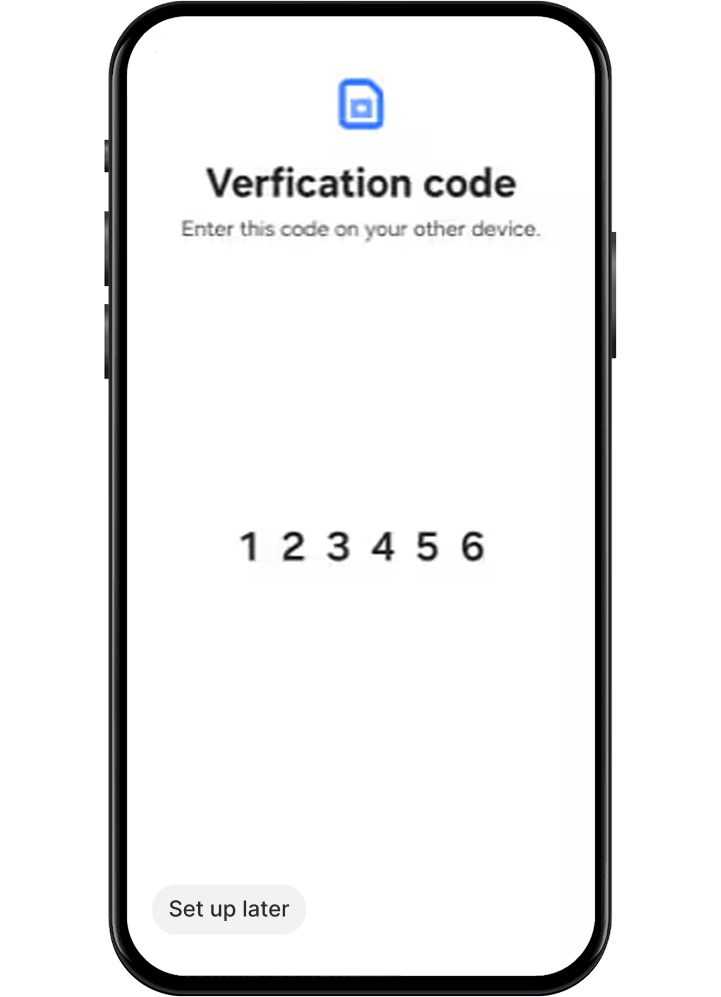
如要转移您的 eSIM:
步骤 1
在您的新 Samsung设备上,前往设置 > 连接 > SIM 卡管理工具 > 新增 SIM。
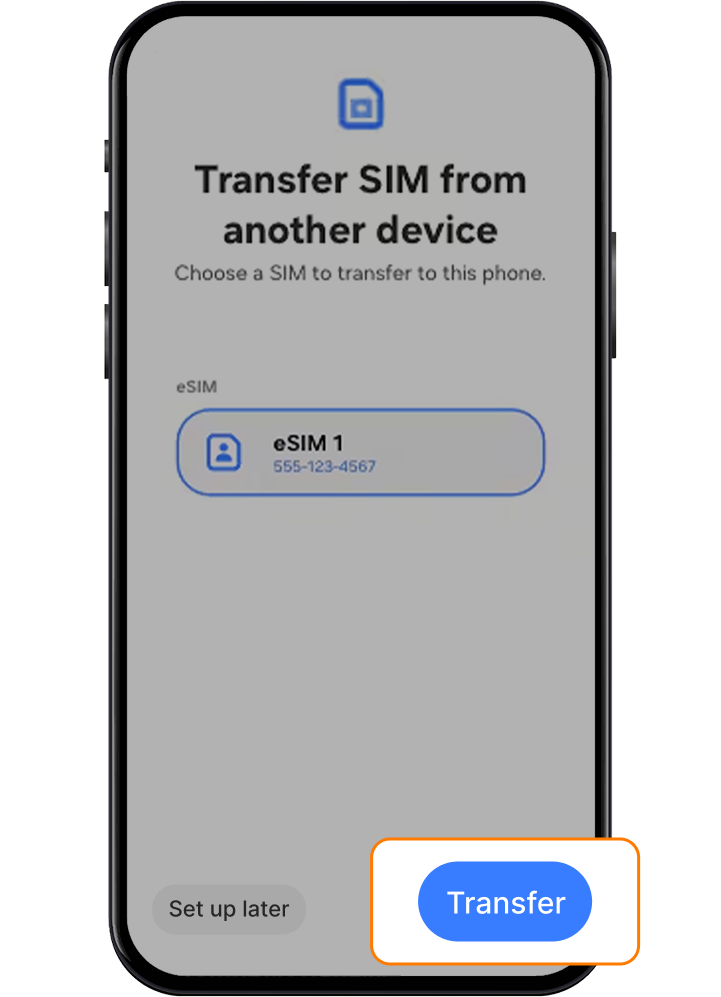
步骤 2
选择从另一部设备转移 SIM。
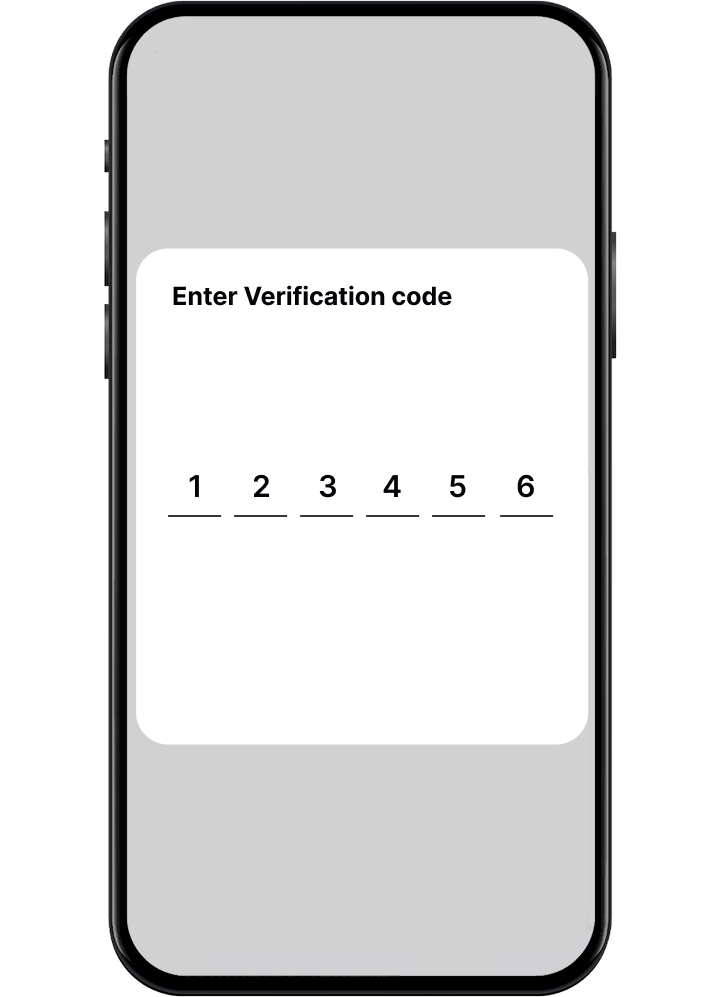
步骤 3
验证码将出现在您的新设备上。
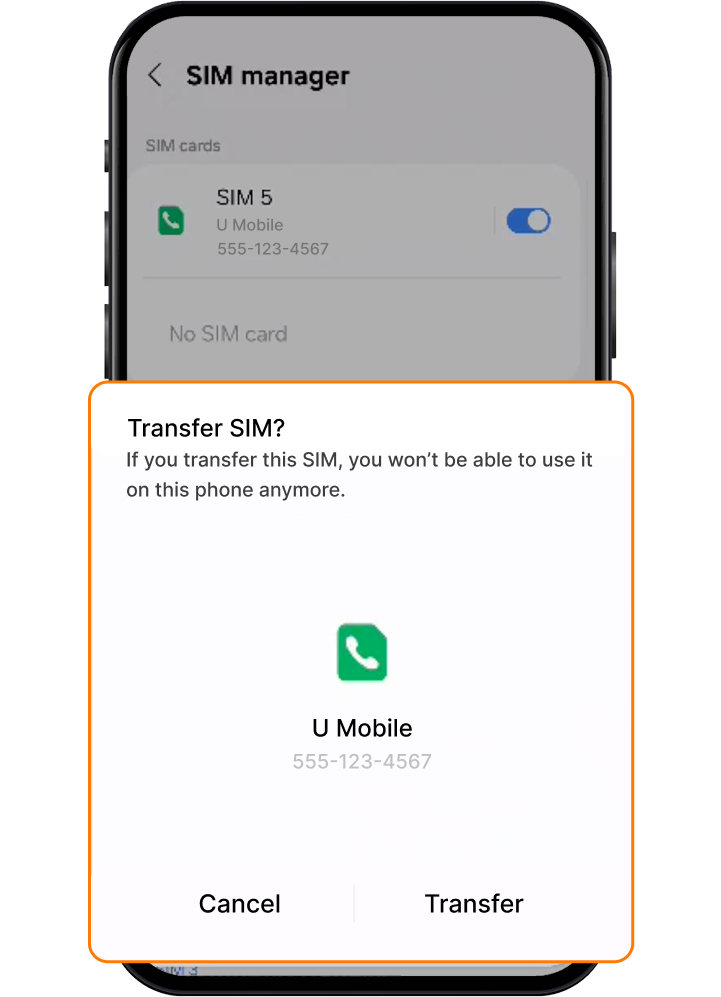
步骤 4
在您的旧设备上,按照屏幕上的指示操作,并在提示出现时输入验证码。
步骤 5
在两部设备上确认转移。
步骤 6
一旦配套启用后,您的旧 SIM 卡将自动停用。
步骤 7
如有提示,请通过 U Mobile 应用程式完成设置。
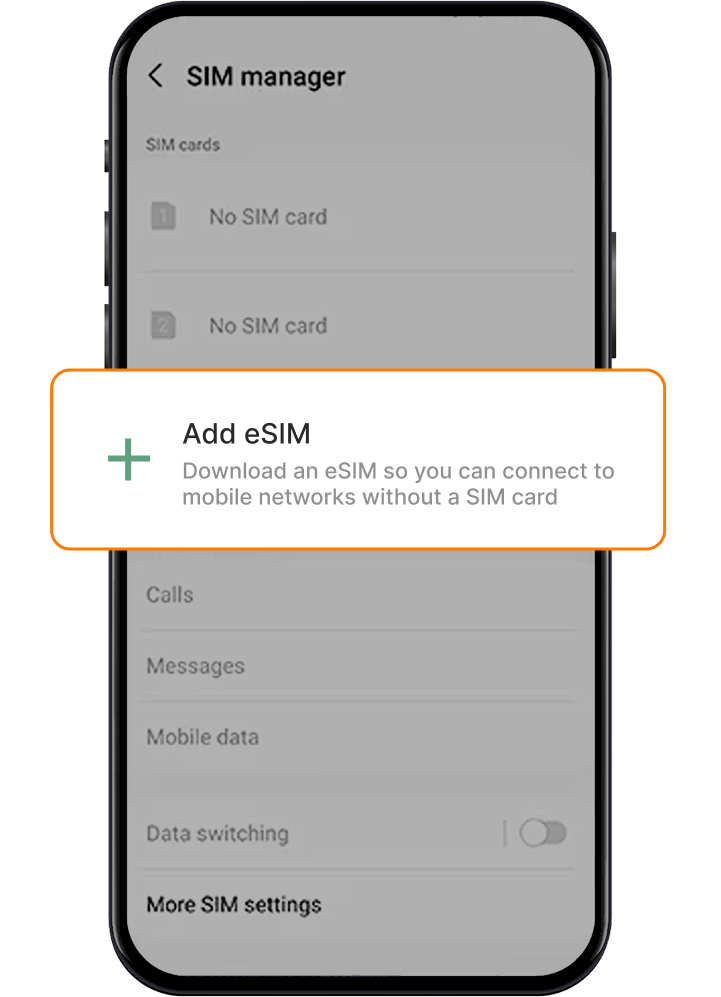
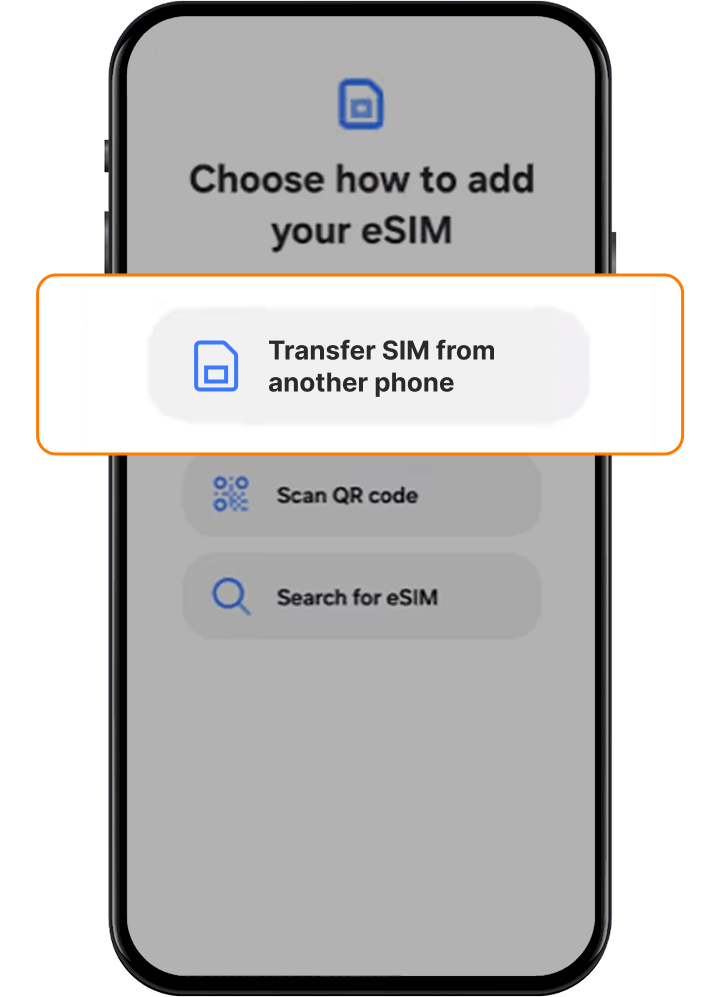
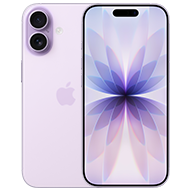
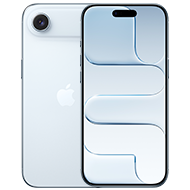
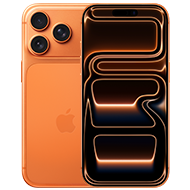
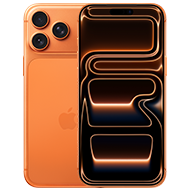
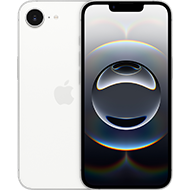
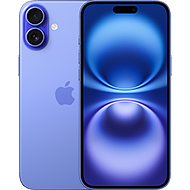
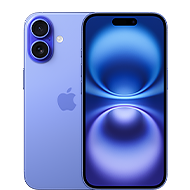
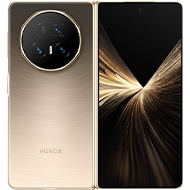
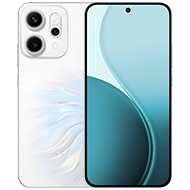
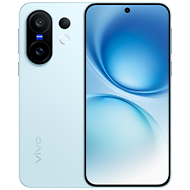
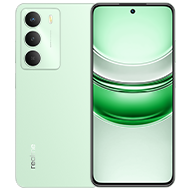
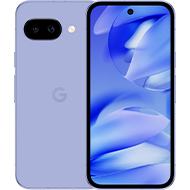
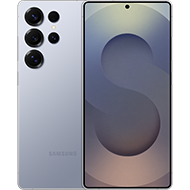
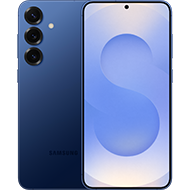
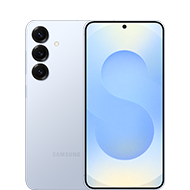
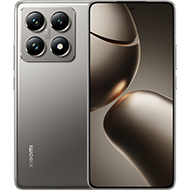
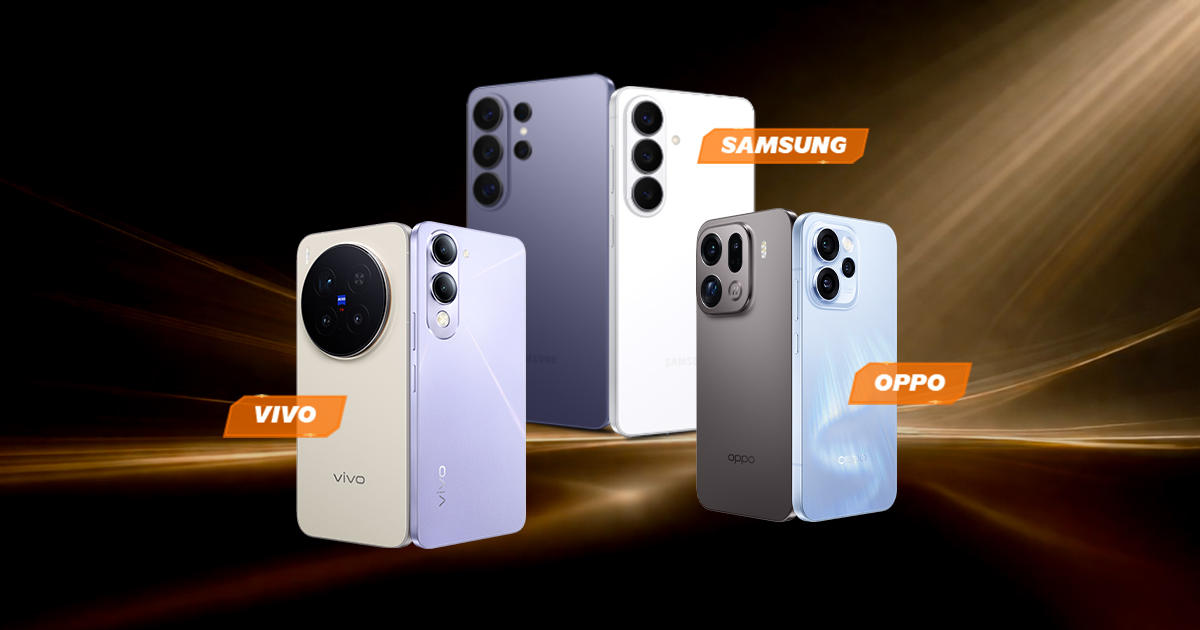
U Mobile 的 eSIM 可兼容这些手机!